1
.5
English
English
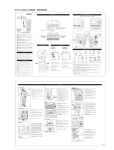
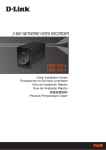
Connect & Setup the YES Box N2100
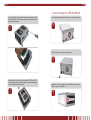
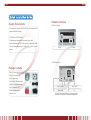
If you are installing two hard disks, please insert the second hard
disk at the bottom of the tray and secure it with screws from the
included accessory pack.
STEP
5
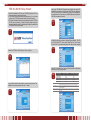
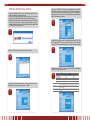
Connect the first Ethernet port ( LAN) to your network hub/router.
STEP
1
Plug in the power cord and turn on the system.
STEP
2
Carefully lower the hard disk tray back into the YES Box N2100.
After making sure the tray is in place and the connectors are aligned,
ecure the hard disk tray with screws.
STEP
6
Make sure system is running properly by checking all front panel
LEDs for any error indications.
STEP
3
6.