1
EDCRASH
Creating the Event
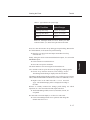
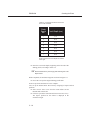
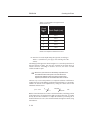
Table 5-2 Crush depths for the front of the Ford
Escort 2-Dr Hatchback.
Crush
Depth
No.
Crush Depth (cm)
1
75.0
2
60.0
3
50.0
4
45.0
5
40.0
6
40.0
7
45.0
NOTE: Front and rear crush depths are entered
left-to-right.
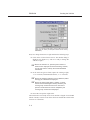
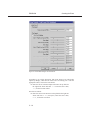
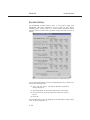
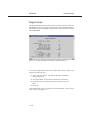
â Enter the seven crush depths, beginning on the left end of the
damage profile, according to Table 5-2.
Remember to press Apply after entering the crush
+ NOTE:
depth values.
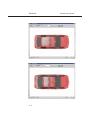
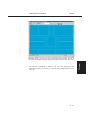
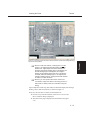
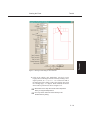
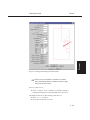
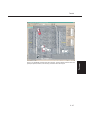
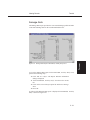
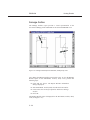
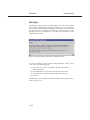
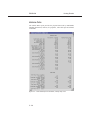
When completed, the Ford Escort appears as shown in Figure 5-9.
â Press OK to accept the assigned damage profile data.
Event set-up for the Ford Escort is now complete.
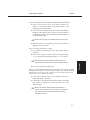
Let’s set up the Nissan Sentra. We’ll start by assigning its impact and rest
positions:
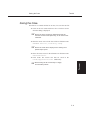
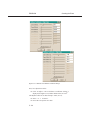
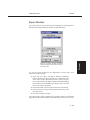
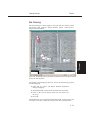
â Select Nissan Sentra 4-Dr from the Event Editor’s Event
Humans and Vehicles list.
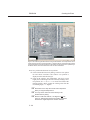
â Click Set-up from the menu bar and choose Position/Velocity.
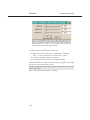
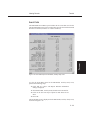
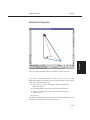
The Impact position for the Sentra is displayed at the
earth-fixed origin.
5 - 18