1
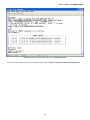
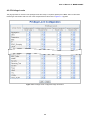
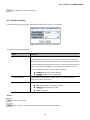
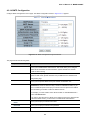
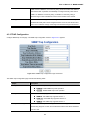
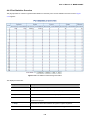
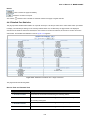
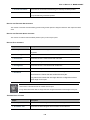
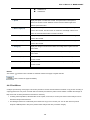
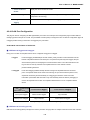
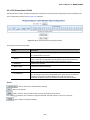
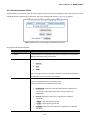
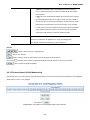
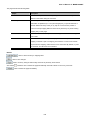
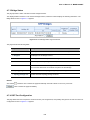
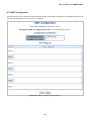
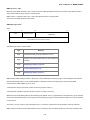
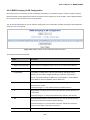
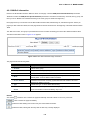
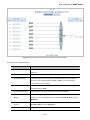
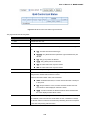
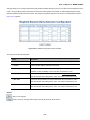
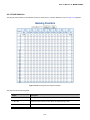
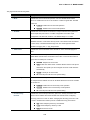
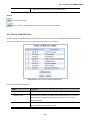
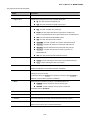
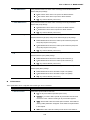
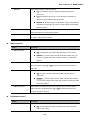
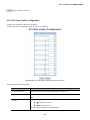
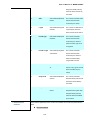
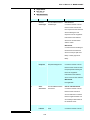
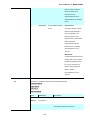
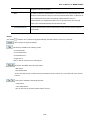
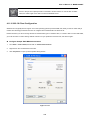
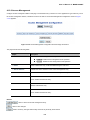
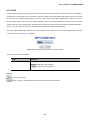
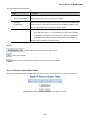
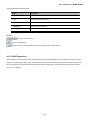
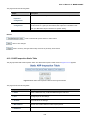
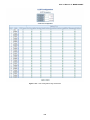
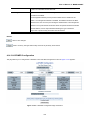
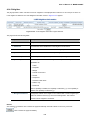
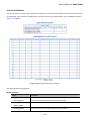
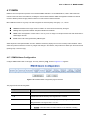
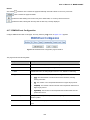
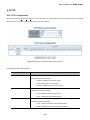
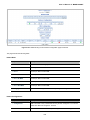
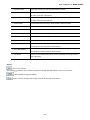
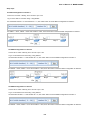
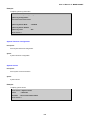
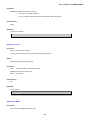
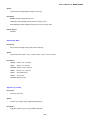
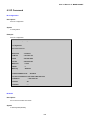
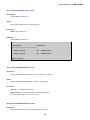
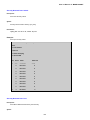
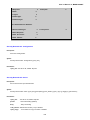
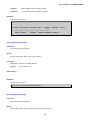
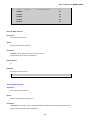
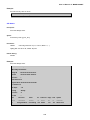
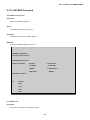
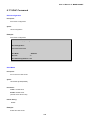
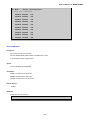
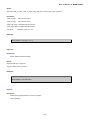
User’s Manual of MGSW-28240F 4.2.6 NTP Configuration Configure NTP on this page. NTP is an acronym for Network Time Protocol, a network protocol for synchronizing the clocks of computer systems. NTP uses UDP (data grams) as transport layer. You can specify NTP Servers and set GMT Time zone. The NTP Configuration screen in Figure 4-2-8 appears. Figure 4-2-8: NTP Configuration Page Screenshot The page includes the following fields: Object Description Mode Indicates the NTP mode operation. Possible modes are: Enabled: Enable NTP mode operation. When NTP mode operation is enabled, the agent forwards NTP messages between the clients and the server when they are not on the same subnet domain. Disabled: Disable NTP mode operation. Timezone Allow select the time zone according to current location of switch. Server # Provide the NTP IPv4 or IPv6 address of this switch. IPv6 address is in 128-bit records represented as eight fields of up to four hexadecimal digits with a colon separating each field (:). For example, 'fe80::215:c5ff:fe03:4dc7'. The symbol '::' is a special syntax that can be used as a shorthand way of representing multiple 16-bit groups of contiguous zeros; but it can appear only once. It can also represent a legally valid IPv4 address. For example, '::192.1.2.34'. Buttons : Click to save changes. : Click to undo any changes made locally and revert to previously saved values. 70