1
Procedure
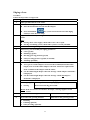
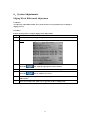
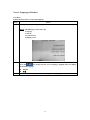
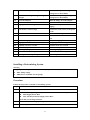
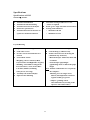
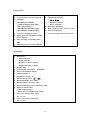
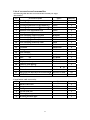
Follow the step below to retouch a lens after edging.
Step
Action
1
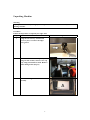
Place the lens in the edger again.
2
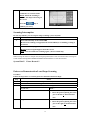
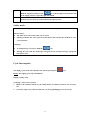
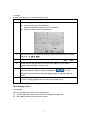
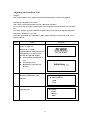
If the lens to retouch comes from the previous job, press the
the following step.
3
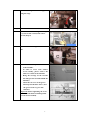
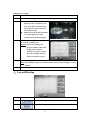
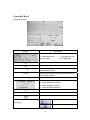
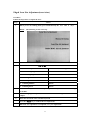
Select the side to retouch aid of the
F1 key.
4
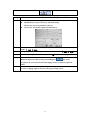
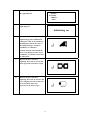
Press the F5 key.
Result: The size value appears in
inversed color.
5
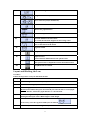
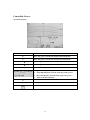
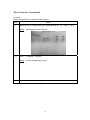
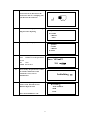
Enter the value to revise the size, by:
The + and/or - key.
Note: The correction value is always in a negative form and is limited to a
minimum increment of 0.5 mm.
-
key, if not go to
6
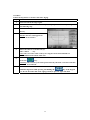
Press the
key.
Warning: The retouch cycle can be performed only when the correction value has
been entered.
7
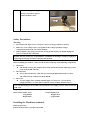
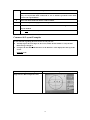
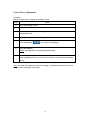
Hold the edged lens while pressing and holding the
key of the keypad
(or the one located at left of the edging station)to open the right side shaft.
28