1
CHAPTER 2. TUTORIALS
43
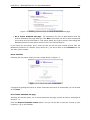
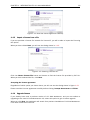
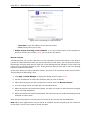
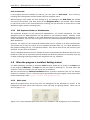
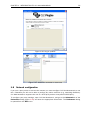
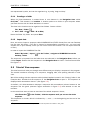
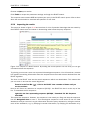
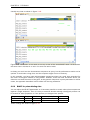
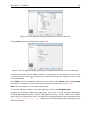
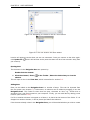
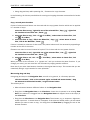
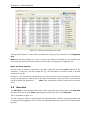
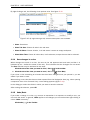
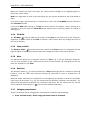
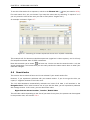
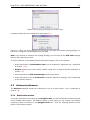
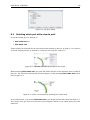
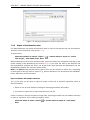
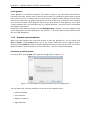
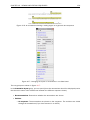
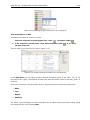
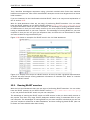
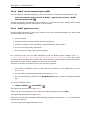
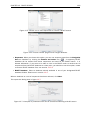
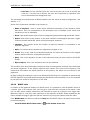
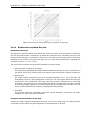
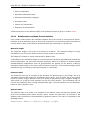
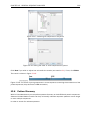
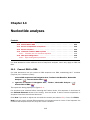
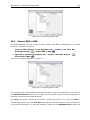
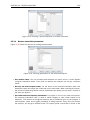
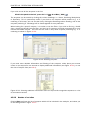
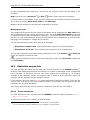
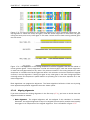
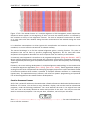
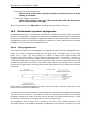
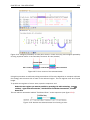
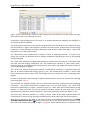
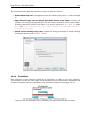
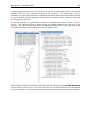
Figure 2.11: NCBI search view.
2.4.1
Searching for matching objects
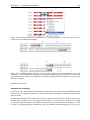
When the search is complete, the list of hits is shown. If the desired complete human hemoglobin
DNA sequence is found, the sequence can be viewed by double-clicking it in the list of hits from
the search. If the desired sequence is not shown, you can click the 'More' button below the list
to see more hits.
2.4.2
Saving the sequence
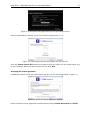
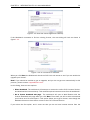
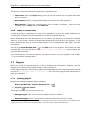
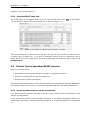
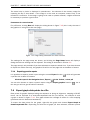
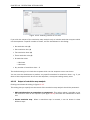
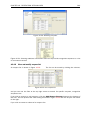
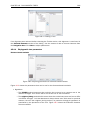
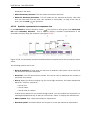
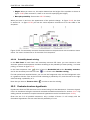
The sequences which are found during the search can be displayed by double-clicking in the list
of hits. However, this does not save the sequence. You can save one or more sequence by
selecting them and:
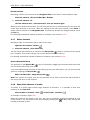
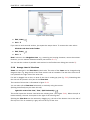
click Download and Save
or drag the sequences into the Navigation Area
2.5
Tutorial: BLAST search
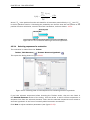
BLAST is an invaluable tool in bioinformatics. It has become central to identification of
homologues and similar sequences, and can also be used for many other different purposes.
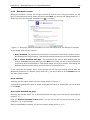
This tutorial takes you through the steps of running a blast search in CLC Workbenches. If
you plan to use blast for your research, we highly recommend that you read further about it.
Understanding how blast works is key to setting up meaningful and efficient searches.
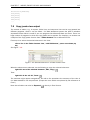
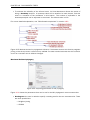
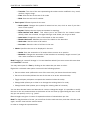
Suppose you are working with the ATP8a1 protein sequence which is a phospholipid-transporting
ATPase expressed in the adult house mouse, Mus musculus. To obtain more information
about this molecule you wish to query the peptides held in the Swiss-Prot* database to find
homologous proteins in humans Homo sapiens, using the Basic Local Alignment Search Tool
(BLAST) algorithm.
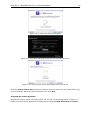
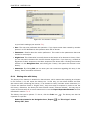
This tutorial involves running BLAST remotely using databases housed at the NCBI. Your computer
must be connected to the internet to complete this tutorial.