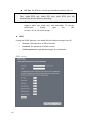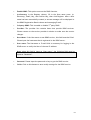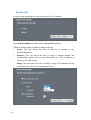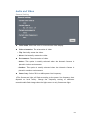
1
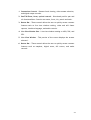
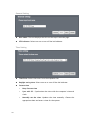
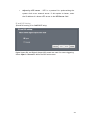
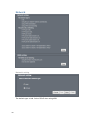
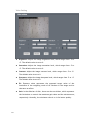
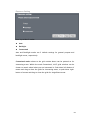
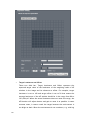
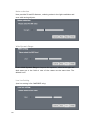
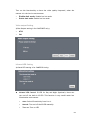
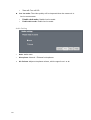
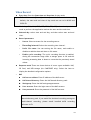
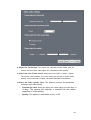
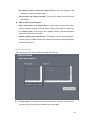
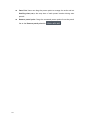
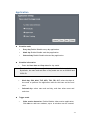
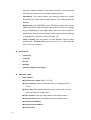
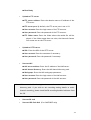
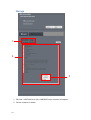
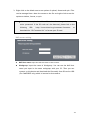
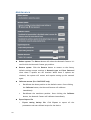
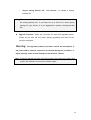
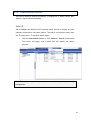
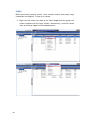
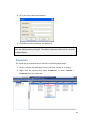
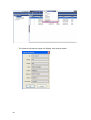
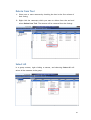
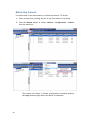
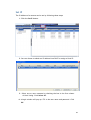
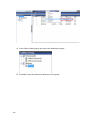
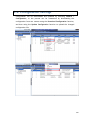
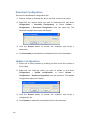
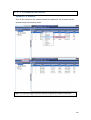
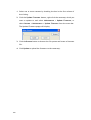
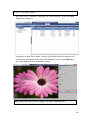
Set default value as auto pan range: Restore auto pan range to the default by clicking on this button. Set the auto pan range manually: Click on the button to set the auto pan range. Add or delete a preset point Add current point as a preset point: If users want to save the current view as a preset location, enter a name to each of the current video view on “Preset points” and click on the “Finish” button. The camera allows 20 preset locations to be saved. Delete a preset point from below” This keeps a list for preset positions. Clicking on the “Finish” button will remove the current selected position from the preset list. Patrol list setting Once the presets are set, the patrol setting will show up. Preset points: The camera has 64 preset points. Drag the preset points you have set on the left to the patrol list on the right. 69