1
5 – Menu Key
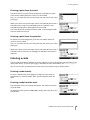
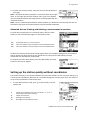
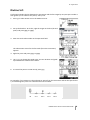
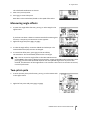
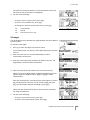
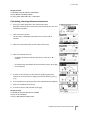
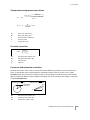
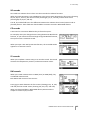
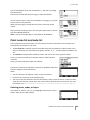
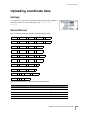
To view detailed information about the selected station, press [ENT].
To display all the observation data from the selected station in
chronological order, press [ENT] again.
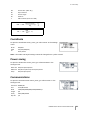
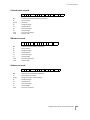
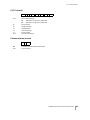
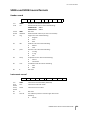
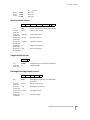
Detailed data is as for raw data. For detailed information about each
point type and format, see Viewing raw data, page 114.
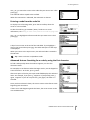
Deleting records
Deleting raw records
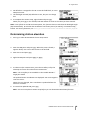
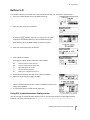
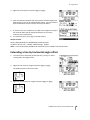
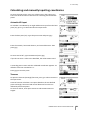
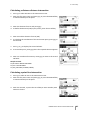
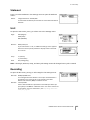
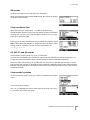
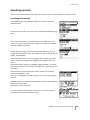
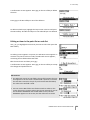
In the RAW screen, use [^] or [v] to highlight the record that you want to
delete. Then press the DEL softkey.
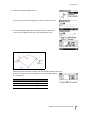
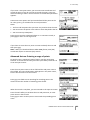
A confirmation screen appears. To delete the selected record, press
[ENT] or the Yes softkey.
If the Store DB setting is set to Both, the system also deletes the
corresponding coordinate data when you delete an SS, SO, or CP
record.
You can also delete raw data by pressing the DEL softkey in the
detailed display screen for the record.
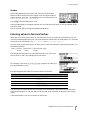
Deleting coordinate records
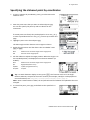
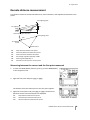
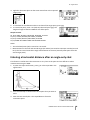
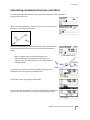
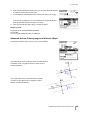
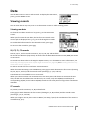
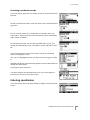
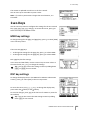
In the XYZ screen, use [^] or [v] to highlight the record that you want to
delete. Then press the DEL softkey.
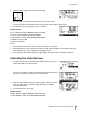
A confirmation screen appears.
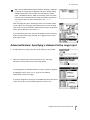
To delete the selected record, press [ENT] or the Yes softkey.
To cancel the deletion of data, press [ESC] or the No softkey.
TRIMBLE M1 DR TOTAL STATION USER GUIDE
117