1
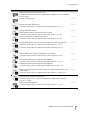
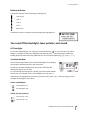
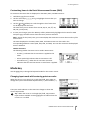
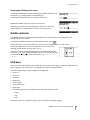
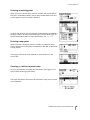
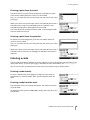
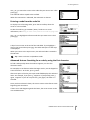
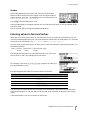
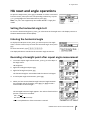
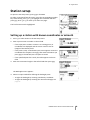
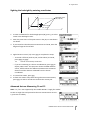
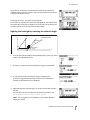
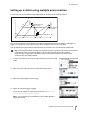
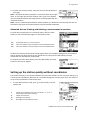
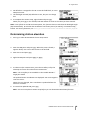
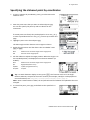
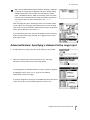
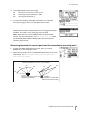
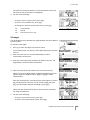
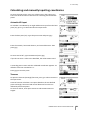
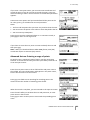
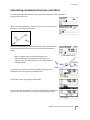
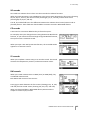
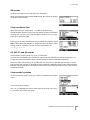
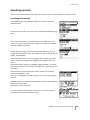
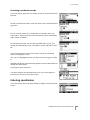
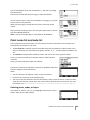
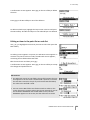
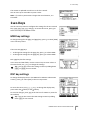
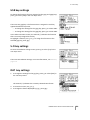
3 – Getting Started Switch 3 (Sound) Sound is on. Sound is off. Contrast adjustment window When the 3-switch window is open, press [<] or [>] to display the contrast adjustment window. Then press [^] or [v] to change the contrast level. The arrow indicates the current contrast level. To return to the 3-switch window, press [<] or [>]. When you have finished changing display light and sound settings, press [ESC] to close the 3-switch or contrast adjustment window. DSP key Use the key to change the current display screen or to change display settings. Switching between display screens When several display screens are available, the indicator appears at the top left of the screen, and the screen indicator (for example, 1/4) appears at the top right. To move to the next available screen, press [DSP]. For example, if the DSP2 screen is currently displayed, press [DSP] to move to the DSP3 screen. The screen indicator changes from 2/4 to 3/4. When the secondary distance unit is set, an additional screen is available. It shows the HD, VD, and SD values. For information on setting the secondary distance unit, see page 113. The smallest unit of display for distances measured in feet-and-inches is 1/16 in. Smaller units are impractical in the field. When the actual value is greater than 99999'11''15/16, the “>” symbol is shown. If the actual distance is less than -9999'11''15/16, the “}” (solid triangle) symbol is shown. This does not affect calculations. The precise value is used internally in all cases. TRIMBLE M1 DR TOTAL STATION USER GUIDE 40