1
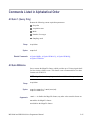
Commands Listed in Alphabetical Order
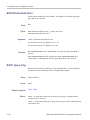
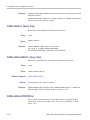
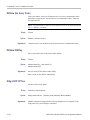
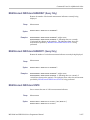
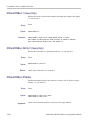
DESkew (No Query Form)
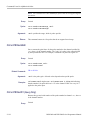
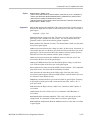
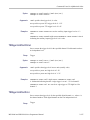
Causes the deskew values for all channels to be set to the recommended values.
Equivalent to pressing the "Set all deskews to recommended values" button in
the application UI.
NOTE. The actual deskew values for each channel can be set or queried using the
CH<x>:DESKew command.
Group
Vertical
Syntax
DESkew {SETALLtorec}
Arguments
<SETALLtorec> sets the deskew for all channels to the recommended values.
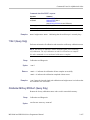
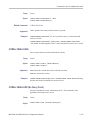
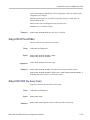
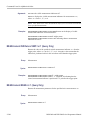
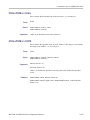
DESkew:DISPlay
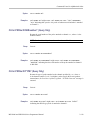
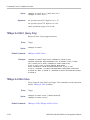
Sets or returns the state of the deskew table display.
Group
Vertical
Syntax
DESkew:DISPlay {OFF|ON|0|1}
DESkew:DISPlay?
Arguments
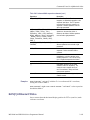
OFF or 0 turns off the deskew table display.
ON or 1 turns on the deskew table display.
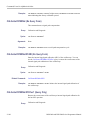
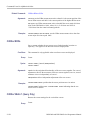
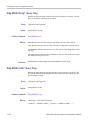
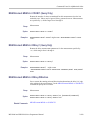
DIAg:LOOP:OPTion
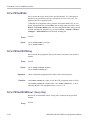
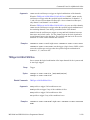
Sets the self-test loop option.
Group
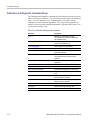
Calibration and Diagnostic
Syntax
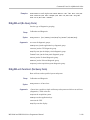
DIAg:LOOP:OPTion {ALWAYS|FAIL|ONFAIL|ONCE|NTIMES}
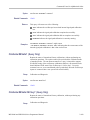
Arguments
2-146
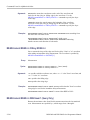
ALWAYS continues looping until the self tests (diagnostics) are stopped via the
front panel or by an oscilloscope command.
MSO3000 and DPO3000 Series Programmer Manual