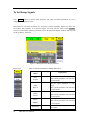
1
To Set the Output Amplitude
1.
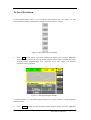
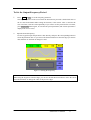
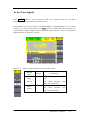
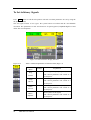
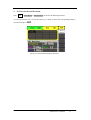
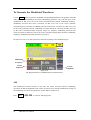
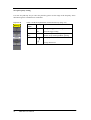
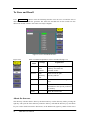
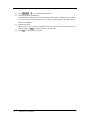
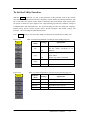
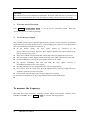
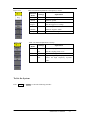
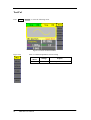
Press Sine →Ampl , to set the amplitude.
The amplitude shown on the screen when the instrument is powered is the default value or
the set value beforehand. When changing the function, if the current value is valid for the
new waveform, it will be used sequentially. If you want to set the waveform by high level or
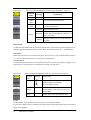
low level, press the Ampl/HLevel or Offset/LLevel button again, to switch into the high
level or low level parameter (the current operation is displayed in inverse color).
2.
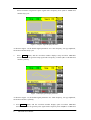
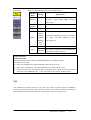
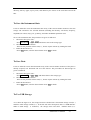
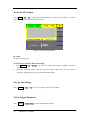
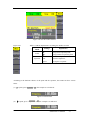
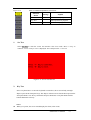
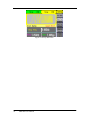
Input the desired Amplitude
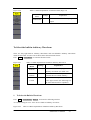
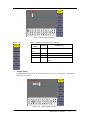
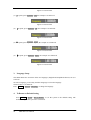
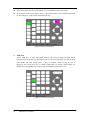
Use the keypad or the knob to input the desired value, choose the unit, and press the
corresponding button.
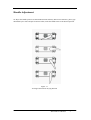
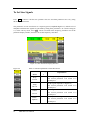
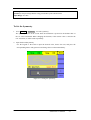
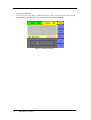
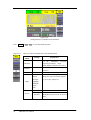
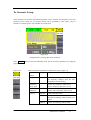
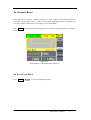
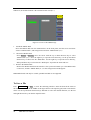
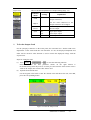
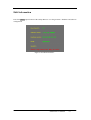
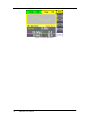
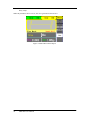
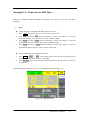
Figure 2-4 Setting the Amplitude
18
SDG1000 User Manual