1
To Set the DC Offset
1.
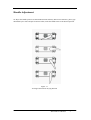
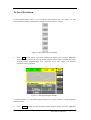
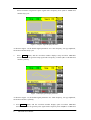
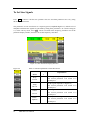
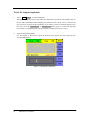
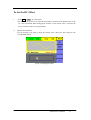
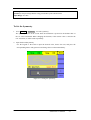
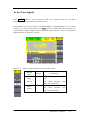
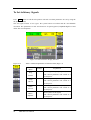
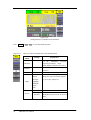
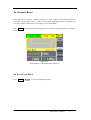
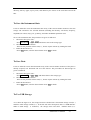
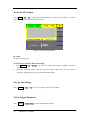
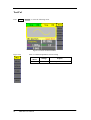
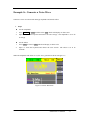
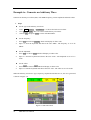
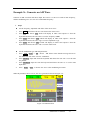
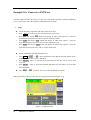
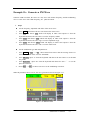
Press Sine →Offset , to set the offset.
The offset shown on the screen when the instrument is powered is the default value or the
set value beforehand. When changing the function, if the current value is valid for the
new waveform, it will be used sequentially.
2.
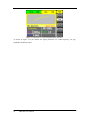
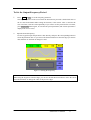
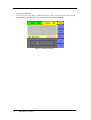
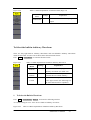
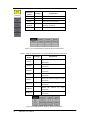
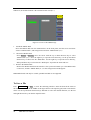
Input the desired Offset
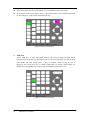
Use the keypad or the knob to input the desired value, choose the unit, and press the
corresponding button.
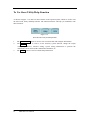
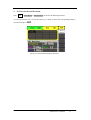
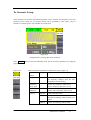
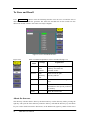
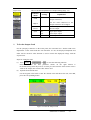
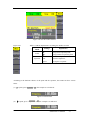
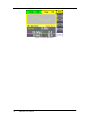
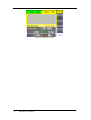
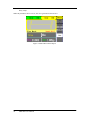
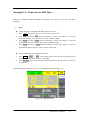
Figure 2-5 Setting the Offset
SDG1000 User Manual
19