1
71
Photos, videos, and music
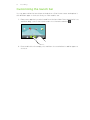
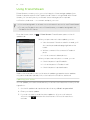
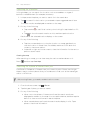
You can also pause music playback right from the Notifications panel.
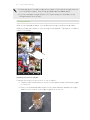
Browsing and playing music in landscape view
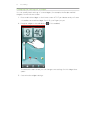
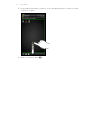
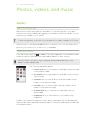
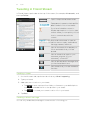
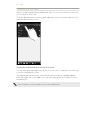
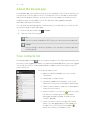
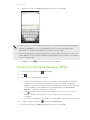
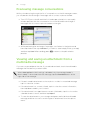
Turn HTC Flyer to the left to switch to landscape view. In landscape view, you can see
the library and the playback screen or Now playing list side-by-side making it easier
for you to browse and play your music at the same time.
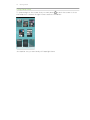
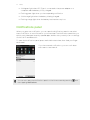
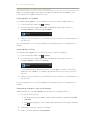
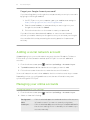
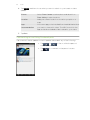
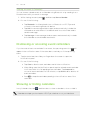
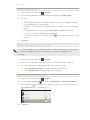
In landscape view, tap
to let you skim through your albums easily.
§ If you have lots of albums, flick left or right across the screen to quickly skim
through them.
§ Tap an album to see the song list of the current album.
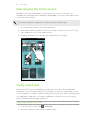
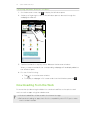
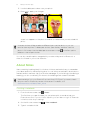
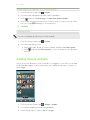
About the Music widget
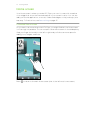
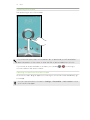
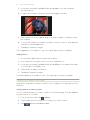
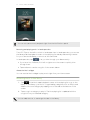
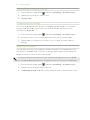
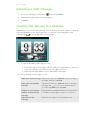
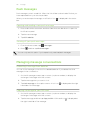
You can use the Music widget to play music right from your Home screen.
Browsing music in the library
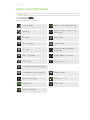
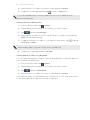
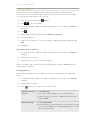
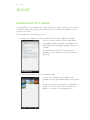
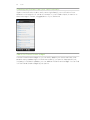
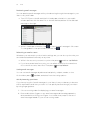
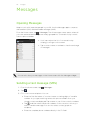
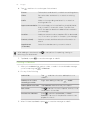
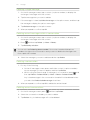
1. Tap
on the Music app’s playback screen or Now playing list to go to the
library. In the library, your music is organized by categories such as Artists and
Albums. Choose a category by tapping one of the tabs at the bottom of the
screen.
2. Tap a song in a category to play it. The Now playing list is updated with the
song list from your selected category.
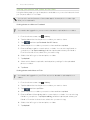
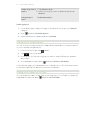
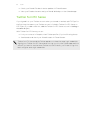
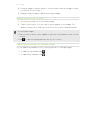
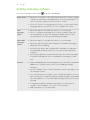
You can add, remove, or rearrange the tabs in the library.