1
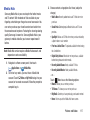
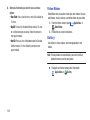
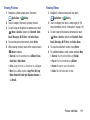
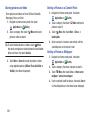
Power saving mode
Configure Power saving settings to conserve battery power.
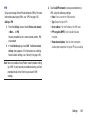
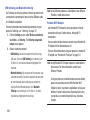
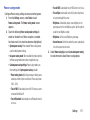
1. From the Settings screen, under Device, touch
Power saving mode. The Power saving mode screen
appears.
2. Touch the following Power saving mode settings to
enable or disable them. (When an option is enabled,
the check mark in its check box becomes highlighted.):
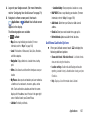
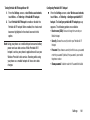
• System power saving: When enabled, Power saving mode
uses the default power settings.
• Use power saving mode: When enabled, the phone switches
to Power saving mode when battery charge level is low.
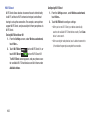
– Turn off GPS: Automatically turns off GPS when it is not in use.
– Turn off Sync: Automatically turns off Sync when the phone is
not synchronizing with the server.
– Brightness: Automatically adjusts screen brightness to the
percentage set for the next Brightness option. Tap this option to
enable the next Brightness option.
– Brightness: Set the screen Brightness percentage.
– Screen time-out: Set the time before the screen automatically
turns off and goes into lock mode.
3. Under Power saving tips, touch Learn about power saving
to read information about Power saving options.
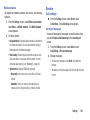
• Custom power saving settings: Power saving mode uses
these settings when System power saving is disable.
– Power saving starts at: Set the percentage of battery power
remaining at which the phone switches to Power saving mode
(10% – 50%).
– Turn off Wi-Fi: Automatically turns off Wi-Fi when you are not
connected with Mobile AP.
– Turn off Bluetooth: Automatically turns off Bluetooth when it is
not in use.
Settings
177