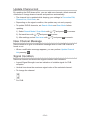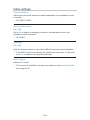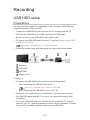
1
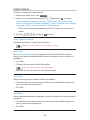
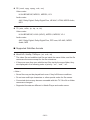
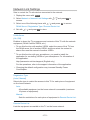
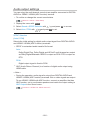
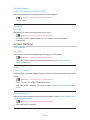
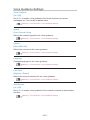
■■DVB-S
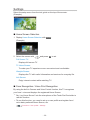
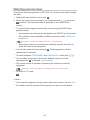
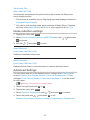
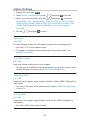
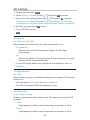
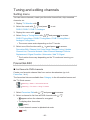
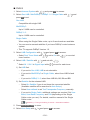
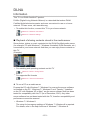
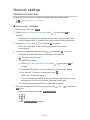
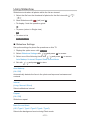
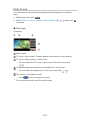
1.Select Antenna System with
/
and press OK to access.
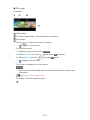
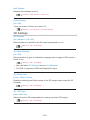
2.Select One LNB / MiniDiSEqC / DiSEqC 1.0 / Single Cable with
press OK to set.
/
and
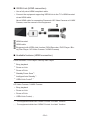
One LNB:
Compatible with single LNB.
MiniDiSEqC:
Up to 2 LNBs can be controlled.
DiSEqC 1.0:
Up to 4 LNBs can be controlled.
Single Cable:
When using the Single Cable router, up to 8 user bands are available.
●●
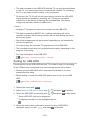
You can receive several satellites if you have DiSEqC control antenna
system.
●●
This TV supports DiSEqC Version 1.0.
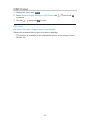
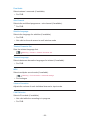
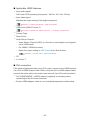
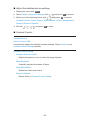
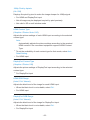
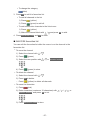
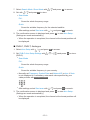
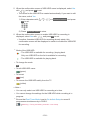
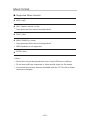
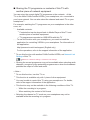
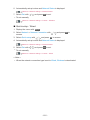
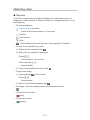
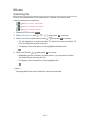
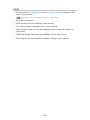
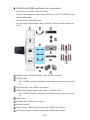
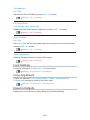
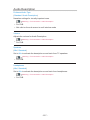
3.Select LNB Configuration with
●●
Select Dual Tuner Mode with
tuner function.
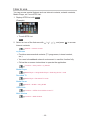
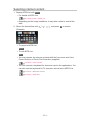
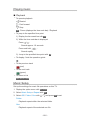
4.Select LNB / Satellite with
●●
/
/
and press OK to access.
/
, set to On with
and set with
Select IN 1 / IN 2 in Signal Input with
/
/
/
to use dual
.
to set for each tuner.
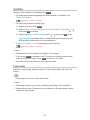
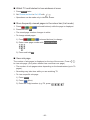
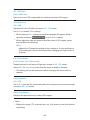
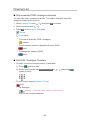
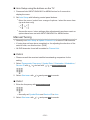
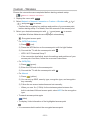
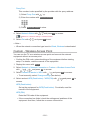
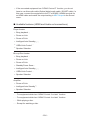
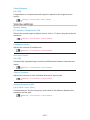
1)Set LNB first.
– If you set to One LNB, LNB is not selectable.
– If you set to MiniDiSEqC or Single Cable, select from LNB AA and
AB.
– If you set to DiSEqC 1.0, select from LNB AA, AB, BA and BB.
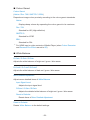
2)Set Satellite for the selected LNB.
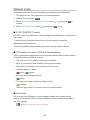
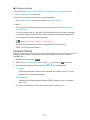
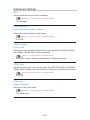
–Select No Satellite if you do not know the connected satellite.
(Available satellite will be searched in Auto Setup.)
–Select User defined to set Test Transponder Frequency manually.
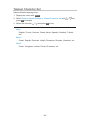
– If you set to Single Cable, additional settings are required. Set User
Band, User Band Frequency and PIN (depending on the Single
Cable router you use). For details, read the manual of the Single
Cable router.
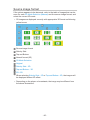
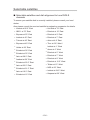
Watching > Tuning and editing channels > Selectable satellites
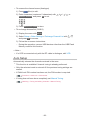
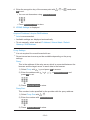
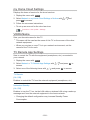
5.Press BACK/RETURN to store.
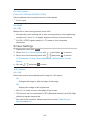
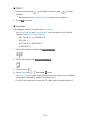
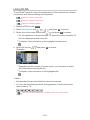
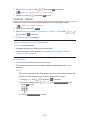
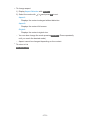
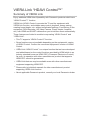
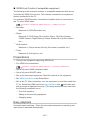
6.Select Auto Setup with
/
and press OK to access.
- 100 -