1
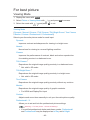
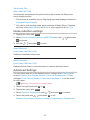
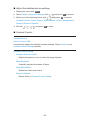
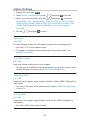
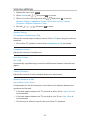
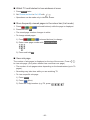
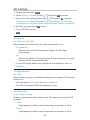
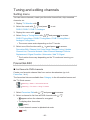
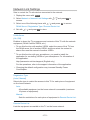
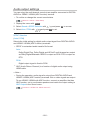
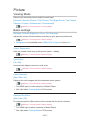
■■Adjust the detailed picture settings
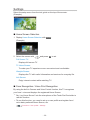
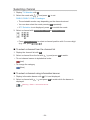
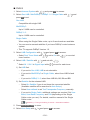
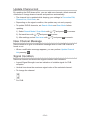
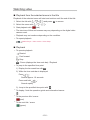
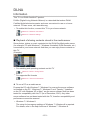
1. Display the menu with MENU.
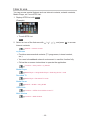
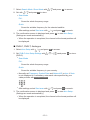
2.Select Picture > Advanced Settings with
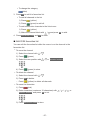
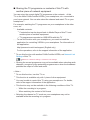
3. Select one of the following items with
/
/
and press OK to access.
and press OK to access.
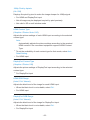
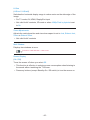
Contrast Control / Colour Gamut / White Balance / Colour Management /
Gamma / Reset to Defaults
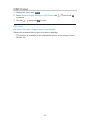
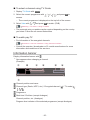
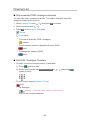
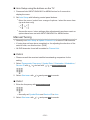
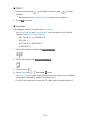
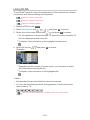
4. Set with
/
/
/
and press OK to store.
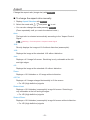
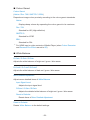
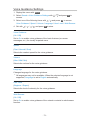
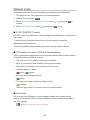
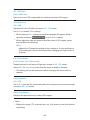
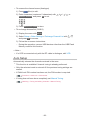
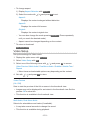
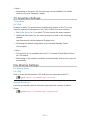
■■Contrast Control
Contrast Control
(Auto / Custom / Off)
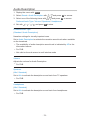
Automatically adjusts the detailed contrast settings. Select Custom to set
Contrast Control Setting manually.
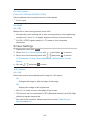
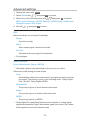
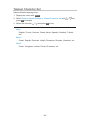
Contrast Control Setting
Adaptive Gamma Control:
Adjusts the gamma curve to make the image brighter.
Black Expander:
Gradually adjusts the shades of black.
Clear White Effect:
Makes the white area clearer.
Reset to Defaults:
Resets items of Contrast Control Setting.
- 58 -