1
101
OrangeHRM 2.5 – User Guide
10.0 ESS
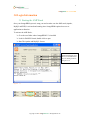
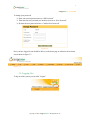
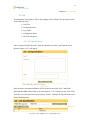
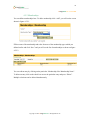
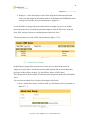
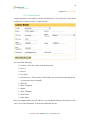
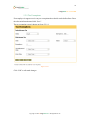
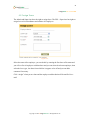
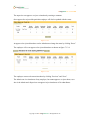
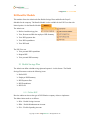
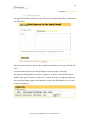
This module is available to the ESS – Supervisor and the ESS User. Both these users will see
this screen once they login or if they select “ESS” from the main menu.
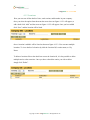
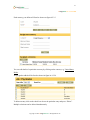
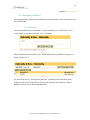
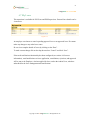
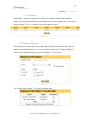
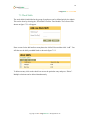
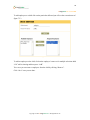
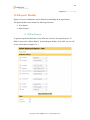
A user can only edit certain fields from the ESS Module, but he can view all the details
relating.
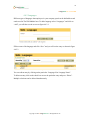
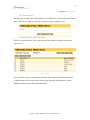
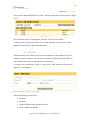
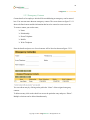
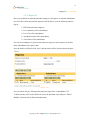
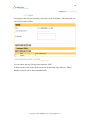
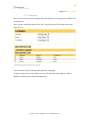
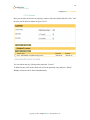
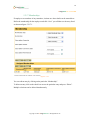
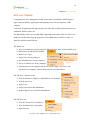
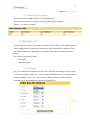
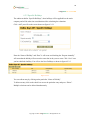
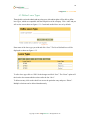
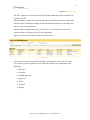
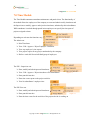
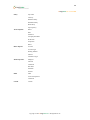
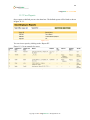
The following fields are restricted.
Salary
Pay Grade
Currency
Minimum salary
Maximum Salary
Basic Salary
Pay Frequency
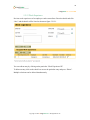
Personal Details
Code
SSN No
SIN No
Driver License No
Date Of Birth
Immigration
Passport/Visa
Passport/Visa No
19 Status
19 Review Date
Citizenship
Issued Date
Date of Expiry
Comments
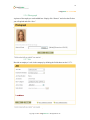
Photo Graph
Select a Photo
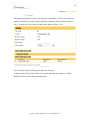
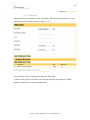
Job
Job Title
Employment Status
Jobs Specification
Job Details
EEO Job Category
Joined Date
Sub Division
Locations
Contract Extension Start Date
Contract Extension End Date
Copyright © 2009 OrangeHRM Inc. All Rights Reserved.