1
31
OrangeHRM 2.5 – User Guide
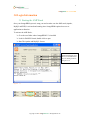
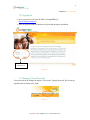
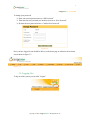
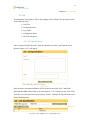
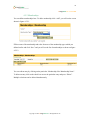
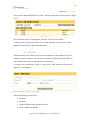
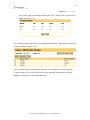
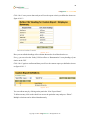
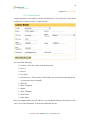
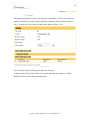
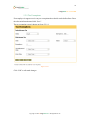
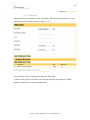
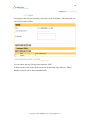
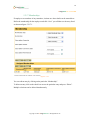
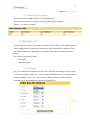
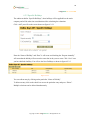
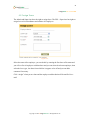
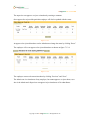
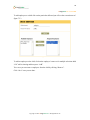
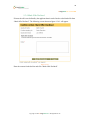
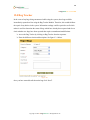
Enter a name for the user group and click “Save”, you will then see the screen shown
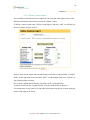
on figure 4.7.3.2.
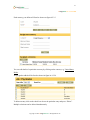
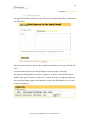
Figure 4.7.3.2
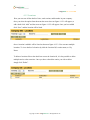
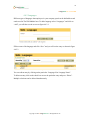
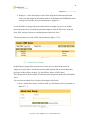
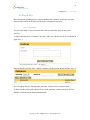
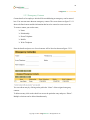
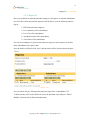
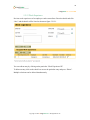
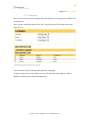
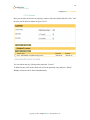
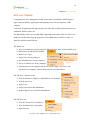
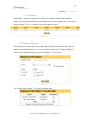
From the drop down box next to module, select the particular module and set the
rights by clicking on the check boxes.
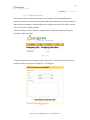
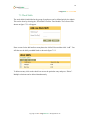
Add – Will allow you to add information to the particular module.
Delete – User can delete information from the particular module.
Edit – Will allow the user to edit information previously entered.
View – The user will be only able to view information on the particular
module.
Copyright © 2009 OrangeHRM Inc. All Rights Reserved.