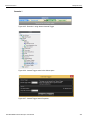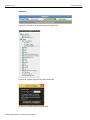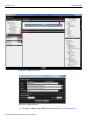
1
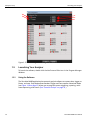
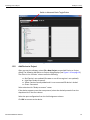
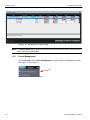
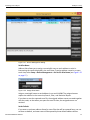
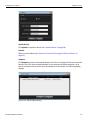
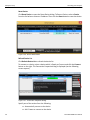
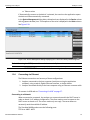
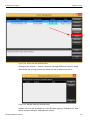
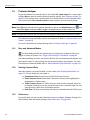
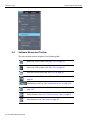
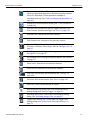
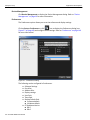
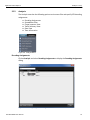
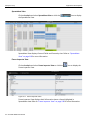
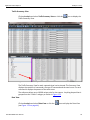
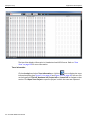
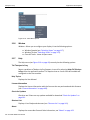
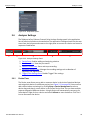
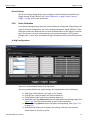
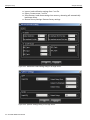
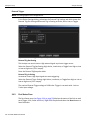
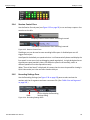
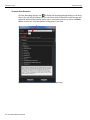
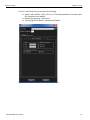
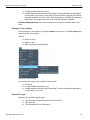
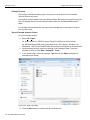
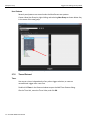
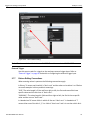
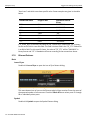
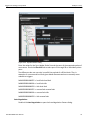
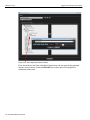
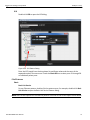
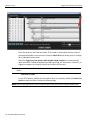
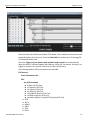
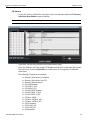
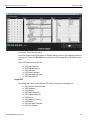
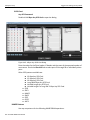
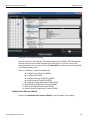
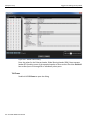
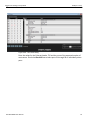
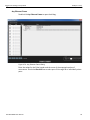
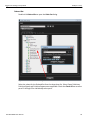
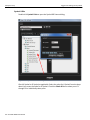
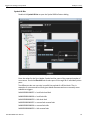
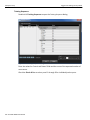
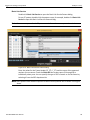
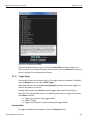
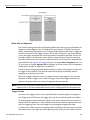
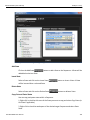
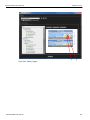
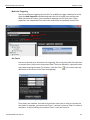
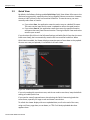
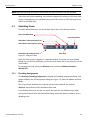
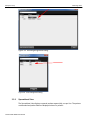
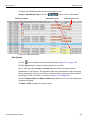
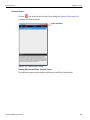
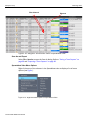
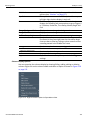
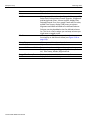
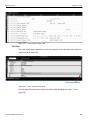
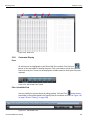
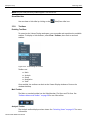
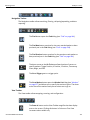
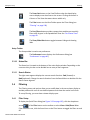
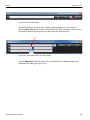
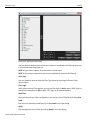
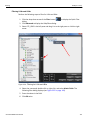
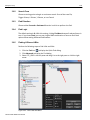
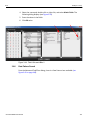
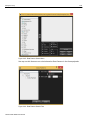
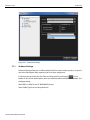
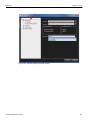
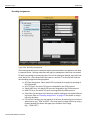
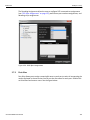
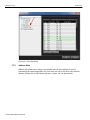
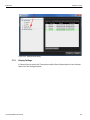
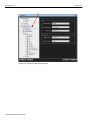
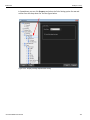
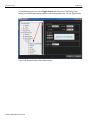
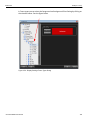
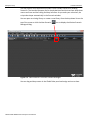
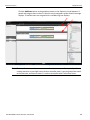
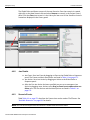
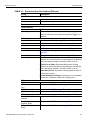
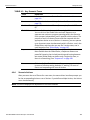
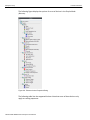
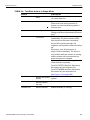
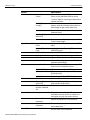
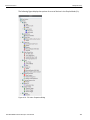
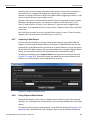
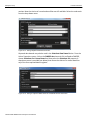
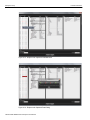
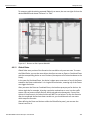
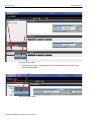
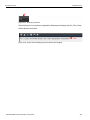
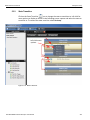
Teledyne LeCroy Switching Views Note: Only the fields previously hidden appear in the restore list. Show/Hide Idles You can show or hide Idles by clicking on the 3.3.9 Hide/Show Idles icon. Toolbars Enabling Tool Bars To customize the Viewer Display workspace, you can enable and reposition the available toolbars. To display or hide toolbars, select View > Toolbars, then check or uncheck toolbars. Figure 3.32: Customizing the Toolbar Toolbars are: Main Analysis Setup Navigation View Once enabled, the toolbars can dock at the Viewer Display window or float on the windows desktop. Main Toolbar The Main or standard toolbar has the Hide Menubar, File Open and File Save. See “Software Menus and Toolbar” on page 36 for mor information. Analysis Toolbar The Analysis toolbar displays various views. See “Switching Views” on page 117 for more information. 136 SierraNet M408 User Manual