1
SIGLENT
2.13.6 Updating the System Software
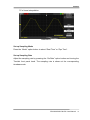
■ Using USB flash drive update firmware
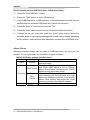
The software of the oscilloscope can be updated directly via USB Flash drive, this
process needs about two minutes. Follow next steps:
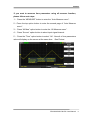
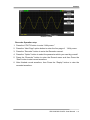
1. Insert USB Flash Drive with firmware procedure to USB Host interface on
the front panel of the oscilloscope.
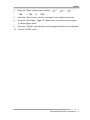
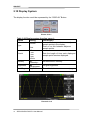
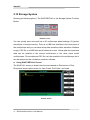
2. Press the “UTILITY” button to enter the “Utility menu”.
3. Press “Next Page” option button to enter the third page of “Utility menu”.
4. Press the “Update Firmware” option button.
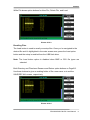
5. Press the “SINGLE” button to start updating the software according to prompt
on the screen.
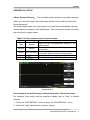
Turn off the oscilloscope and turn on it again, the software has been updated. The
oscilloscope needs to execute “Do Self Cal” after update.
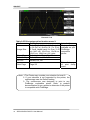
Note: Don’t cut off the power while the oscilloscope is updating.
2.13.7 Pass/Fail
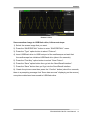
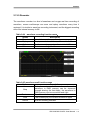
The Pass/Fail function can monitor changes of signals and output pass or fail
signals by judging the input signal is within the predefined mask or not.
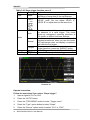
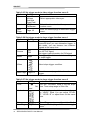
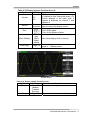
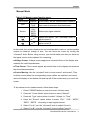
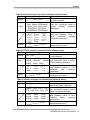
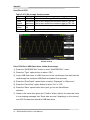
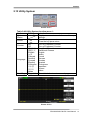
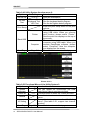
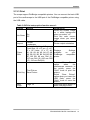
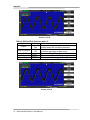
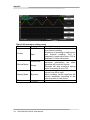
Table 2-57 Pass/Fail function menu 1:
Option
Setting
Instruction
Enable
On
Turn on Pass/Fail function.
Off
Turn off Pass/Fail function.
Source
CH1
Select signal input channel.
CH2
Operate
Press to run the Pass/Fail test.
Press to stop the Pass/Fail test.
Msg Display On
Turn on times information display of the
Off
waveform pass/fail.
Turn off times information display of the
waveform pass/fail.
Next Page
Page 1/2
Press this button to enter second page of
Pass/Fail menu.
SDS1000CML/CNL/DL User Manual
95