1
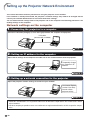
Setting up the Projector Network Environment
2. Setting an IP Address
for the Computer
The following describes how to make settings
in Windows® XP (Professional or Home Edition).
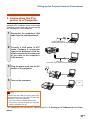
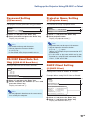
1
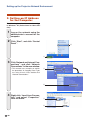
Log on the network using the
administrator’s account for the
computer.
2
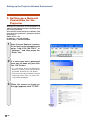
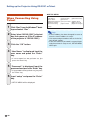
Click “Start”, and click “Control
Panel”.
2
1
3
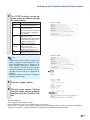
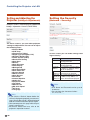
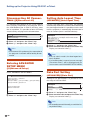
Click “Network and Internet Connections”, and click “Network
Connections” in the new window.
• This manual uses examples to explain
the operations in Category View. If you
are using Classic View, double-click
“Network Connections”.
1
2
4
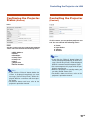
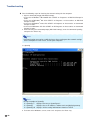
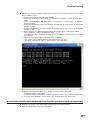
Right-click “Local Area Connection” and select “Properties”
from the menu.
1
2
-20