1
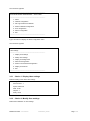
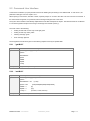
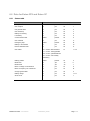
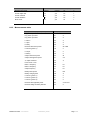
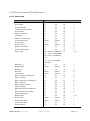
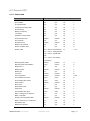
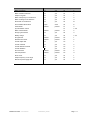
The next menu appears:
----------------------------------------------------------------------------EATON NETWORK MANAGEMENT – JBUS CARD
----------------------------------------------------------------------------1 : Reset
2 : Network configuration
3 : Set Login Password to Default
4 : Return to Default Configuration
5 : Jbus configuration
6 : Sensor configuration
0 : Exit
-----------------------------------------------------------------------------
Type 5 and return to display the JBUS configuration menu.
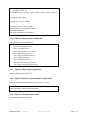
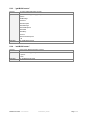
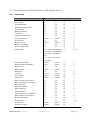
The next menu appears:
----------------------------------------------------------------------------Jbus settings
----------------------------------------------------------------------------1 : Display Jbus settings
2 : Modify Jbus settings
3 : Display Jbus diagnostics
4 : Reset Jbus diagnostics
5 : Return to Jbus Default Configuration
6 : Display Jbus frames
0 : Exit
-----------------------------------------------------------------------------
3.3.1
Choice 1: Display Jbus settings
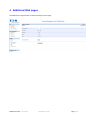
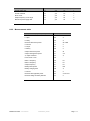
Enables reading of the card's Jbus settings
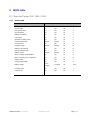
Jbus configuration :
Slave number : 1
Speed : 9600 bds
Data : 8 bits
stop bit : 1
Parity : None
3.3.2
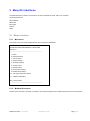
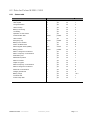
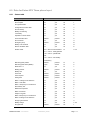
Choice 2: Modify Jbus settings
Enable the modification of Jbus settings.
Modbus MS Card – User Manual
34009048XT_EN/AD
Page 15/55