1
[4]
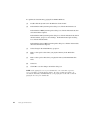
Insert your USB hardware key in the appropriate port.
IMPORTANT: If you are using a Rainbow/SuperPro Key from a previous
iFIX release, you also need to install the Sentinel driver so that iFIX
recognizes this key. To install this driver, click the Sentinel button on the
installation screen.
[5]
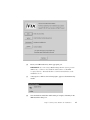
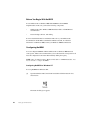
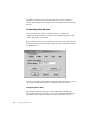
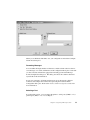
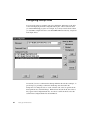
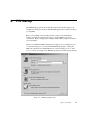
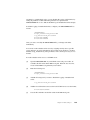
A message box, similar to the following figure, appears as the hardware key
installs:
[6]
Once the hardware installation and licensing is complete, click Retry in the
iFIX installation dialog box.
Chapter 3. Working with the Hardware Key and Windows
17