1
M580.book Page 120 Monday, April 18, 2011 11:18 AM
Turning Bluetooth On and Off
2I. Bluetooth
⽧
Turning Bluetooth On and Off (page 120)
⽧
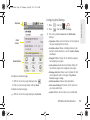
Using the Bluetooth Settings Menu (page 121)
⽧
Pairing Bluetooth Devices (page 122)
⽧
Sending Contacts via Bluetooth (page 124)
⽧
Disconnecting Bluetooth Connection During an Active
Call (page 125)
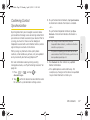
About Bluetooth
Bluetooth is a short-range communications technology
that allows you to connect wirelessly to a number of
Bluetooth devices, such as headsets and hands-free
car kits, and Bluetooth-enabled handhelds, computers,
printers, and wireless devices. The Bluetooth
communication range is usually up to approximately
30 feet.
By default, your device’s Bluetooth feature is set to Off.
Turning Bluetooth on activates the internal Bluetooth
antenna.
Note: Activating Bluetooth can drain your battery faster and
reduce your available usage times. It is recommended
that if you do not need it active, turn it off.
It is also recommended to turn off your Bluetooth within
locations that prohibit its use.
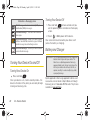
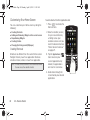
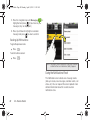
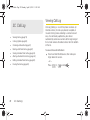
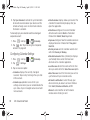
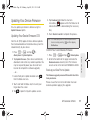
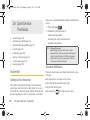
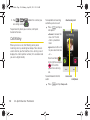
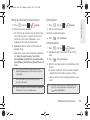
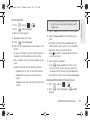
To turn Bluetooth on:
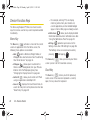
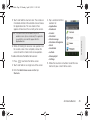
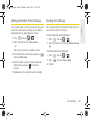
1. Press
>
and tap
Wireless & networks.
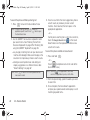
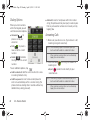
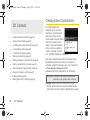
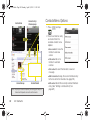
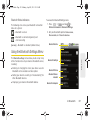
2. Tap the Bluetooth field to activate the feature
(checkmark indicates active). When active,
appears within the Status area.
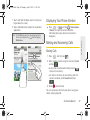
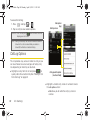
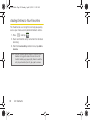
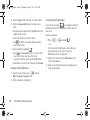
To turn Bluetooth off:
䊳
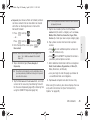
Press
>
and tap
Wireless & networks > Bluetooth.
䡲
120
2I. Bluetooth
>
>
Tap to remove the green checkmark and
deactivate Bluetooth.