1
M580.book Page 46 Monday, April 18, 2011 11:18 AM
䢇
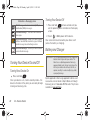
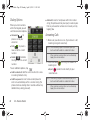
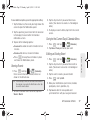
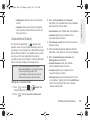
Bluetooth to route the device’s audio through a
connected Bluetooth headset (On) or through the
speaker (Off). (See “2I. Bluetooth” on page 120.)
䡲
When the call is routed to a Bluetooth headset,
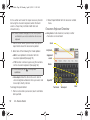
the current call area shows the Bluetooth call
icon (
).
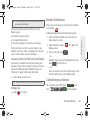
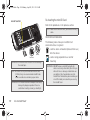
End-of-Call Options
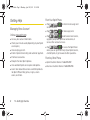
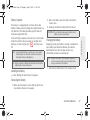
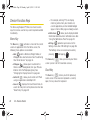
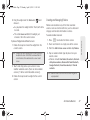
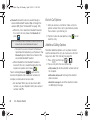
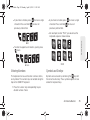
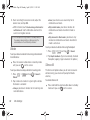
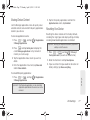
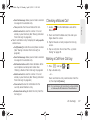
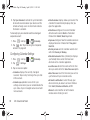
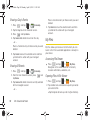
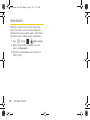
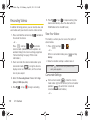
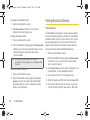
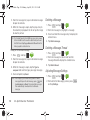
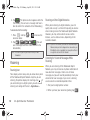
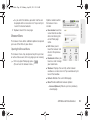
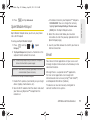
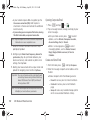
1. After you receive a call from or make a call to a
phone number that is not in your Contacts, locate
the number in your Call log list.
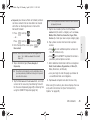
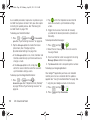
2. Tap the number to view options, or tap
to call
back the entry.
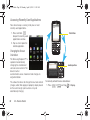
Note: The Headset button is activated to show the current call
is routed to the connected Bluetooth headset.
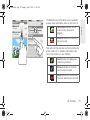
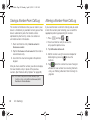
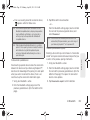
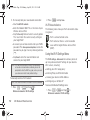
To route the current call back to the device,
tap Headset to temporarily use the device. Tap
Bluetooth again to route the call back to the
connected Bluetooth headset.
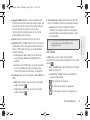
䡲 When Bluetooth or the Bluetooth headset is
turned off, the call is routed through either the
earpiece or speaker and shows (
).
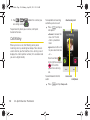
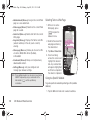
●
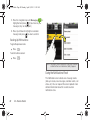
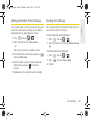
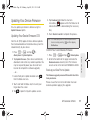
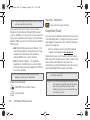
) up to use the
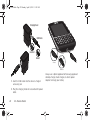
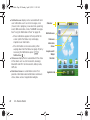
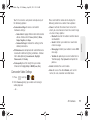
Touch and drag Dialpad (l
onscreen dialpad to enter additional numbers, for
example, an extension or access code.
䡲
46
For example: When you call your bank’s 800
number, use your dialpad to enter your account
number and PIN.
2A. Device Basics
Additional Calling Options
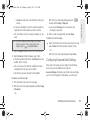
To obtain additional options such as phone number
and the duration of the call, you must access the Call
Log screen. See “2C. Call Log” on page 78.
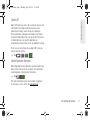
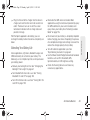
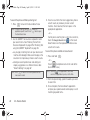
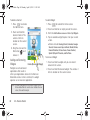
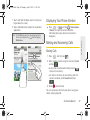
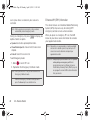
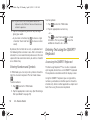
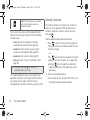
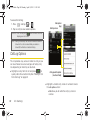
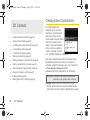
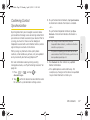
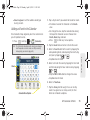
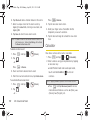
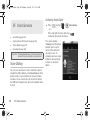
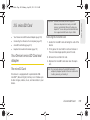
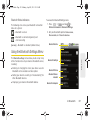
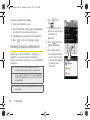
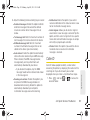
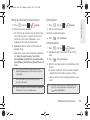
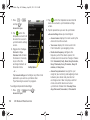
1. Press
and then tap
>
Call log
.
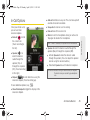
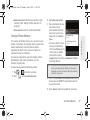
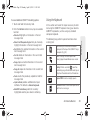
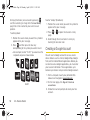
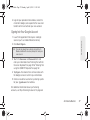
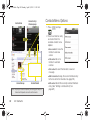
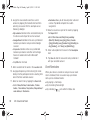
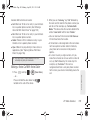
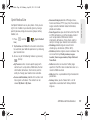
2. Tap an entry from the list and then tap:
䡲
Call (number) to dial the selected number and call
䡲
Edit number before call to change the selected
䡲
Send text message to send the selected number
the recipient.
phone number.
an SMS (text) message.