1
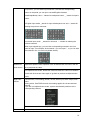
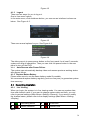
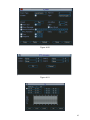
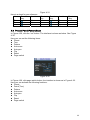
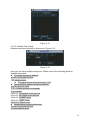
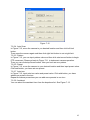
Figure 6-9
6.2.6 Activate Pattern Function
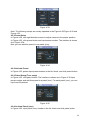
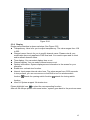
In Figure 6-6 input mode value in the No. blank, and click pattern button.
6.2.7 Border Setup
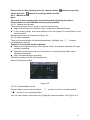
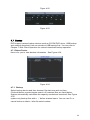
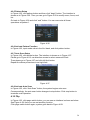
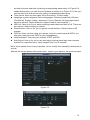
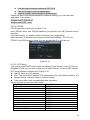
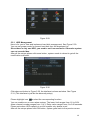
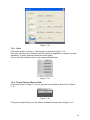
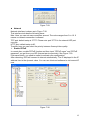
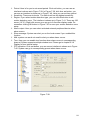
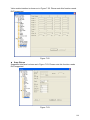
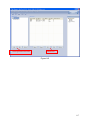
In Figure 6-5, click border button. The interface is shown as in Figure 6-10.
Please go to Figure 6-2, use direction arrows to select camera left limit, and then
please go to Figure 6-10 and click left limit button
Repeat the above procedures to set right limit.
Figure 6-10
6.2.8 Activate Border Function
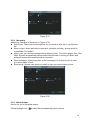
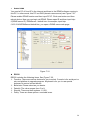
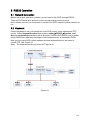
In Figure 6-6, click auto scan button, the system begins auto scan. Correspondingly,
the auto scan button changes to stop button.
Click stop button to terminate scan operation.
6.2.9
Flip
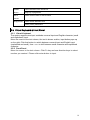
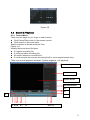
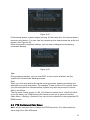
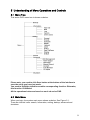
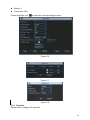
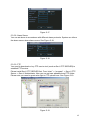
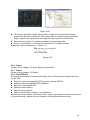
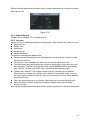
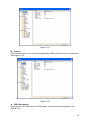
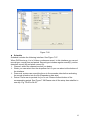
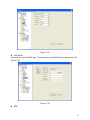
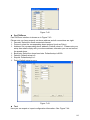
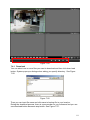
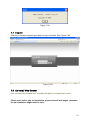
In Figure 6-6, click page switch button, you can see an interface is shown as below.
See Figure 6-11. Here you can set auxiliary function.
Click page switch button again, system goes back to Figure 6-2.
Figure 6-11
78