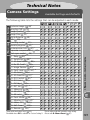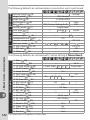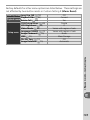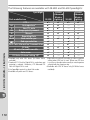
1
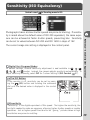
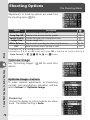
Autoexposure Lock
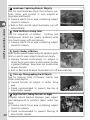
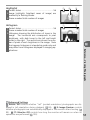
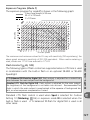
If the subject is not in the metered area when center-weighted or spot
metering is used, exposure will be based on lighting conditions in the background, and the main subject may not be correctly exposed. This can be
prevented using autoexposure lock:
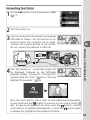
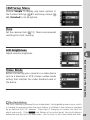
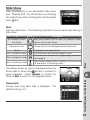
1
2
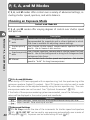
Rotate the mode dial to P, S, or A and select center-weighted or spot
metering (exposure lock has no effect in mode M).
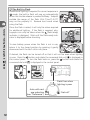
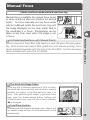
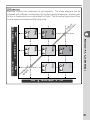
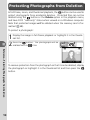
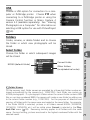
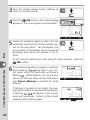
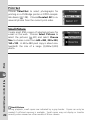
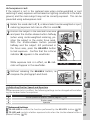
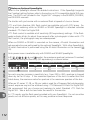
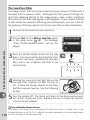
Position the subject in the selected focus area
and press the shutter-release button halfway
(when using center-weighted metering, position the subject in the center focus area).
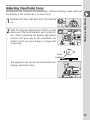
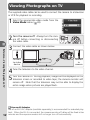
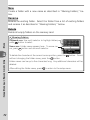
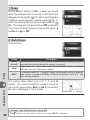
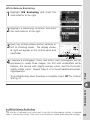
With the shutter-release button pressed
halfway and the subject still positioned in
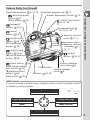
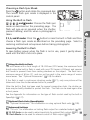
the focus area, press the AE-L/AF-L button
to lock exposure. Confirm that the in-focus
indicator (●) appears in the viewfinder.
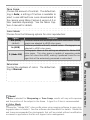
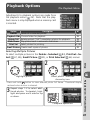
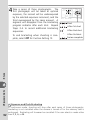
While exposure lock is in effect, an EL indicator will appear in the viewfinder.
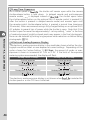
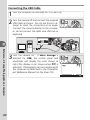
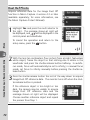
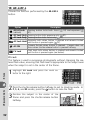
Without releasing the AE-L/AF-L button, recompose the photograph and shoot.
Setup
3
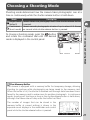
Mode
P
S
A
Description
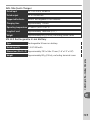
Shutter speed and aperture (flexible program;
Shutter speed
Aperture
42)
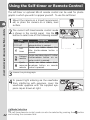
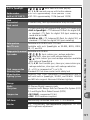
Advanced Settings
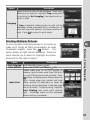
14: AE-L/AF-L controls the function performed by the AE-L/AF-L button ( 98).
15: AE Lock controls whether exposure locks when the shutter-release button is
pressed halfway ( 99).
Custom Settings
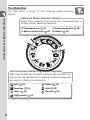
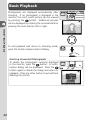
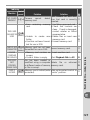
Adjusting Shutter Speed and Aperture
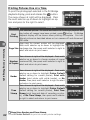
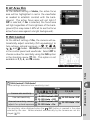
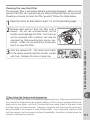
While exposure lock is in effect, the following settings can be changed without altering the metered value for exposure:
97