1
Pub. No. 3629
CONNECTING TO VIKING
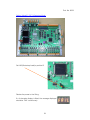
The Viking Vision Communications Cable must be connected between the
Viking and the Viking Vision computer prior to connection. Also ensure that the
Viking is powered.
Run the Viking Vision program and select the CCF and PAR file allocated for the
Viking as described in Running Viking Vision For The First Time.
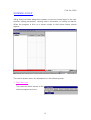
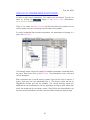
Select Menu>Embedded>Connect. This initiates the communications process.
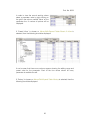
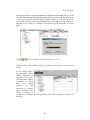
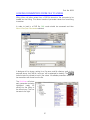
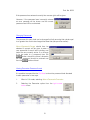
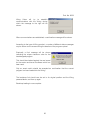
The version and issue of software will be checked between the Viking and Viking
Vision to ensure that the correct CCF file is being used.
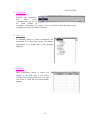
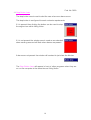
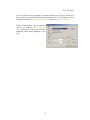
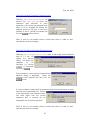
If differences are seen then a
warning is displayed. If an incorrect
CCF file has been chosen then the
Load New Code button allows for
exiting and starting with the correct
file. If incorrect code is loaded the
Load New Code button allows for
bootstrapping the correct software
into the Viking.
Note: the CRC value is always 0.
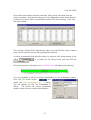
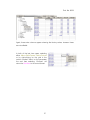
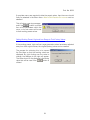
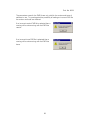
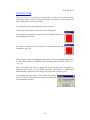
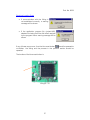
If communications are not established correctly
then a warning will be shown.
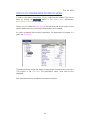
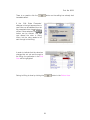
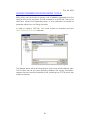
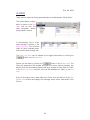
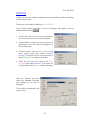
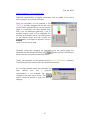
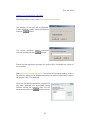
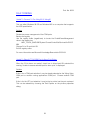
Assuming that communications are healthy,
information about each parameter will be
obtained from the Viking by Viking Vision. This
may take some time according to the number
of parameters used in the specific application.
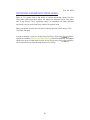
A message will be displayed indicating that the
process is in progress.
20