1
Basics
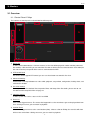
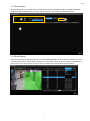
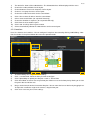
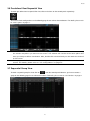
Note: Click on the check boxes to filter recording videos. They will be indicated in corresponding colors
on the timeline. Click again to undo the effect.
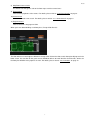
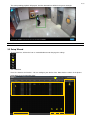
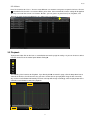
The playback will pop out in a window. Maximize the window. Once the video is completely loaded, you can click
the control bar. Click the DPTZ button and scroll the mouse wheel to zoom in/out.
3.4 Backup
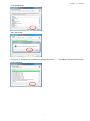
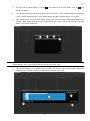
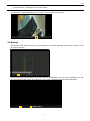
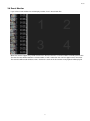
To back up a video, enter this page as you do for playbacks. Click the drop-down icon to choose a device. Then
click the backup icon.
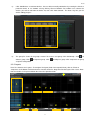
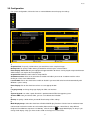
Set the time for your backup. When you’re done, click the download icon. You can save the playback as an AVI
file. Click the play button to call up the backups you’ve made. Click the backup you want for playback.
14