1
BT740 Development Kit
Quick Start Guide
Connection
To establish a connection, follow these steps:
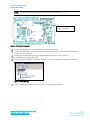
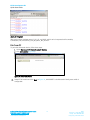
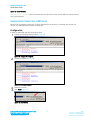
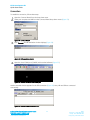
Open the Connect Wizard from the drop-down menu.
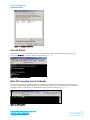
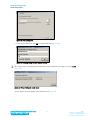
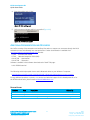
Select your computer and HID from the Connect Wizard drop-down menus (Figure 53).
Figure 53: Connect Wizard
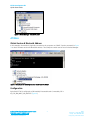
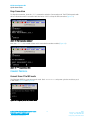
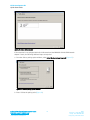
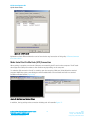
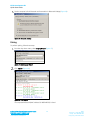
Click Connect. An HID emulation window displays (Figure 54).
Figure 54: HID emulation window
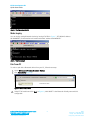
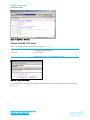
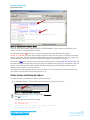
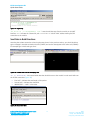
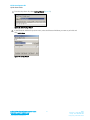
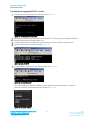
Open the virtual COM port (COM32) with terminal software (Figure 55).
Figure 55: Terminal software virtual COM port
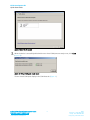
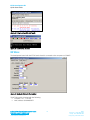
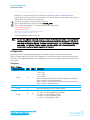
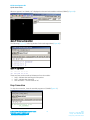
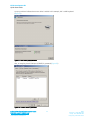
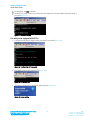
Another terminal window appears for the SPP connection (Figure 56). Here, HID and SPP are connected
concurrently.
Figure 56: Second terminal window for SPP
Embedded Wireless Solutions Support Center:
http://ews-support.lairdtech.com
www.lairdtech.com/bluetooth
23
Laird
Americas: +1-800-492-2320
Europe: +44-1628-858-940
Hong Kong: +852 2923 0610