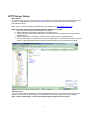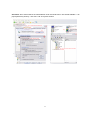
1
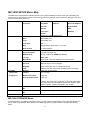
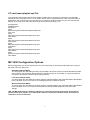
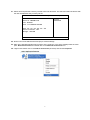
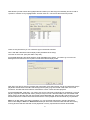
21. Select Yes and press the enter key. The MP-1000 unit will reboot. The start menu will look like this with
the new IP addresses that you have just set.
MP-1000 SETTING MENU
[ V 2.9.87.0106U ]
Device Local IP : 192.168.1.11
Server IP : 192.168.1.10
User : NDSP01
Time : YYYY/MM/DD HH:MM
SETUP
STORAGE
MAC : XX - XX - XX - XX - XX – XX
Server Connection : OFF
Storage : 1952 MB
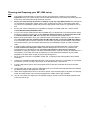
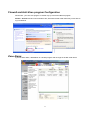
22. Now move onto the Stand alone PC/Laptop’s network settings.
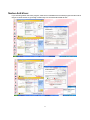
23. Start up the Windows Stand Alone PC/Laptop in the usual way, once at the desktop follow the menu
path: Start>Control Panel and double click on the Network Connections icon.
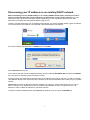
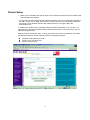
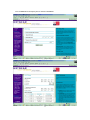
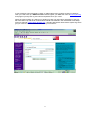
24. Right mouse button click on Local Area Connection (as below) and choose Properties
1