1
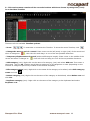
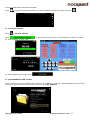
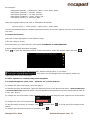
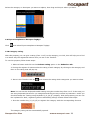
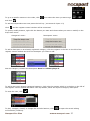
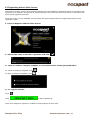
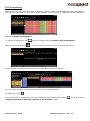
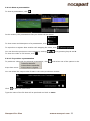
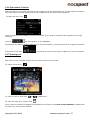
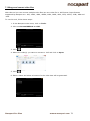
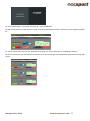
To order registers History Click
History by creation.
and select
Order registers History by time or Order registers
1- Order registers History by time: last action shown will be the last moment of the video registered.
2- Order registers History by creation: last action shown will be the last moment of the video registered
in the current actions register.Example: An analyst is reviewing a game for the second time and then he
registers new actions in the middle of that event. With this new tool he will be able to choose how the
registers are listed in the register control: whether the last one shown in the list is the last of the event or
the last one clicked. The purpose of this feature is so that you can easily check the last registers created
regardless of where they appear chronologically in the video.
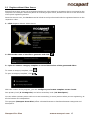
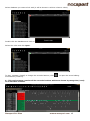
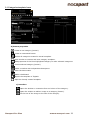
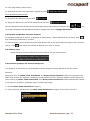
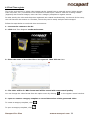
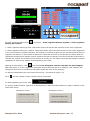
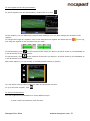
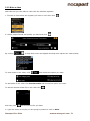
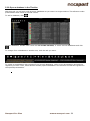
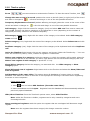
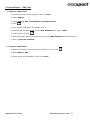
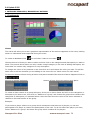
Options for descriptors: Click
and select Last descriptor sets the end time for the category.
With this option, if a user registers a descriptor beyond the time set for a category, this category will
change its final time to include this descriptor within the time of the category.
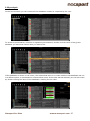
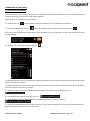
To add an independent text note press the Ctrl key ( see annex 8.2 part 1.2)
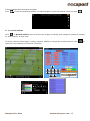
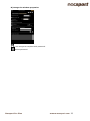
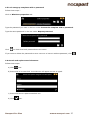
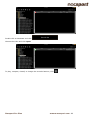
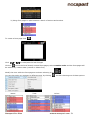
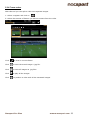
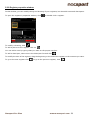
Click
and the register control window will be minimized.
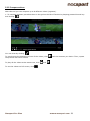
To stop registering the event click
.
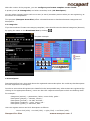
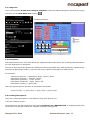
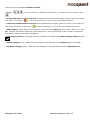
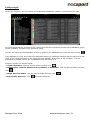
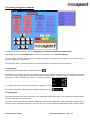
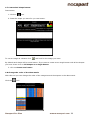
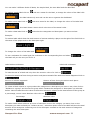
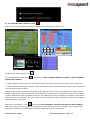
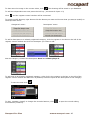
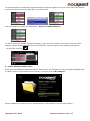
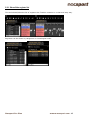
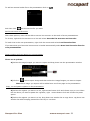
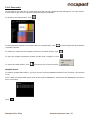
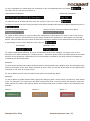
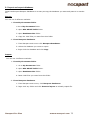
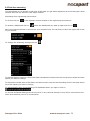
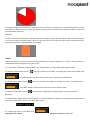
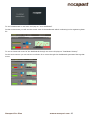
To quickly modify buttons, right click to the button you want and select what you want to modify on the
drop-down menu.
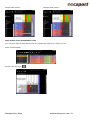
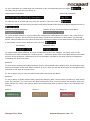
Categories' menu :
Nacsport Pro Plus
Descriptors' menu:
wwww.nacsport.com 42