1
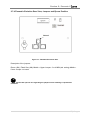
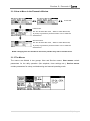
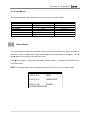
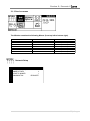
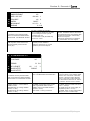
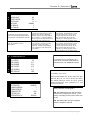
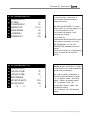
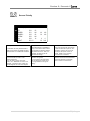
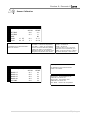
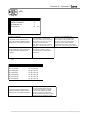
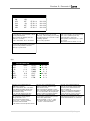
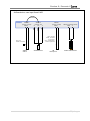
Flexface E / Flexmatic E 2015 3.1.4 User Menus This window contains the following menus (from top left to bottom right). STATUS REPORT GRAPHIC DATA RECORD HM (FLEXMATIC) SETUP UNIT SETUP WARNINGS / ALARMS WORKING HOURS TIMER SETTINGS Readable w/o Password YES YES YES YES YES YES YES Write Access Level read only (LEVEL 0) (LEVEL 1) (LEVEL 1) (LEVEL 1) (LEVEL 1) (LEVEL 1) Status Report The status report contains the last 200 events (for each individual unit), which occurred to the unit, in order of appearance. Each unit contains its own collection of 66 pages. Use and button to move from one unit to the next. Left () from unit no. 1 there is the so called “System report”, a summary of all events of all connected units. NOTE: The status report can be entered by pressing “Enter” from a unit’s main screen. STATUS REPORT PAGE 66 21.02.2001 20:10 RESET 21.02.2001 20:10 UNIT1 ACKNOWLEDGE 20.02.2001 16:45 WARNING HIGH ZONE TEMPERATURE 22 | P a g e