1
Diagnostics and repair
8.
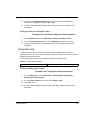
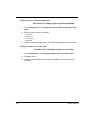
Carefully reconnect any ribbon cables.
9.
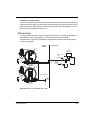
Install the electronics package in the housing.
10.
Replace the three (3) mounting nuts.
11.
Reconnect the terminal wiring connector.
12.
Install the plastic electronics cover.
13.
Install the housing cover.
14.
Turn on the power to the unit.
15.
Connect a HART communicator to the unit and verify that the unit is operational.
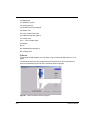
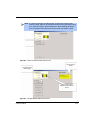
Note: If you change the CPU board, a New Hardware Found error message
appears when you connect with the HART communicator. In Ohmview
2000, click Diagnostics, New hardware, New CPU, and click OK for a
new backup of EEPROMS.
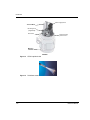
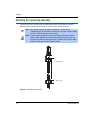
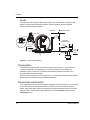
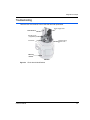
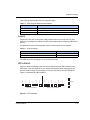
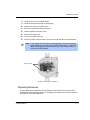
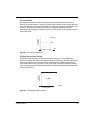
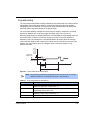
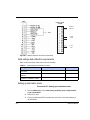
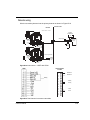
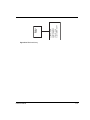
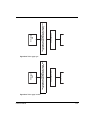
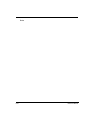
Mounting Nuts
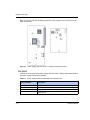
Replace Power Supply or CPU Board
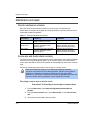
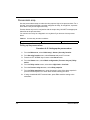
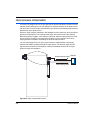
Requesting field service
To request field service within the U.S. and Canada; call 513-272-0131 from 8:00 A.M. to
5:00 P.M. EST Monday through Friday. For emergency service after hours, call 513-272-0131
and follow the voice mail instructions.
LSGH User Manual
5-17