1
Setting up
Options & Settings
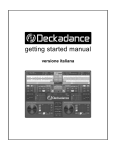
Deckadance should work straight out of the box, however to get the best out of the
program you may need to open the Audio & MIDI settings page (click on the Setup
button on the Menu bar) and make some customizations to the settings.
Select a soundcard from the audio device field. This list shows all the Soundcard/Audio
interface devices active on your system labeled by the software drivers (‘DirectSound’,
‘Creative ASIO’ or ‘Built-in Input’ on a Mac, for example). PC users should use the
www.image-line.com
9