1
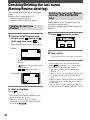
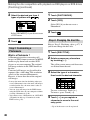
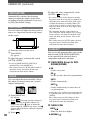
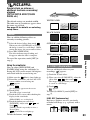
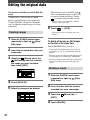
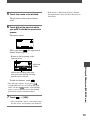
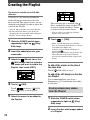
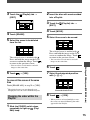
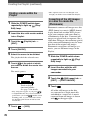
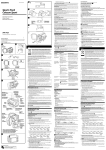
Editing the original data This function is available only for DVD-RWs (VR mode). “Original data” refers to the recorded movies and still images data on the disc. Using DVD-RWs recorded in VR mode, you can edit the original images on your camcorder. Deleting images The selected scene is marked with . Press and hold the image on the LCD screen to confirm the image. Touch to return to the previous screen. • You can select several movies and still images at the same time. 6 Touch [YES]. • You cannot recover an image once you delete it. 1 Slide the POWER switch down repeatedly to light up Edit) lamp. (Play/ 2 Insert the recorded disc into your camcorder. 3 Select the (Movie) tab or the (Still image) tab that includes the image you want to delete, then touch [EDIT]. To delete all movies or still images on the disc at the same time Touch [DELETE ALL] in step 4. • If you delete an original movie that is listed in a Playlist (p.74), it is also deleted from the Playlist. • Deleting scenes may not provide enough space to record movies or still images additionally. • To delete all the images on the disc and restore original recording capacity, format the disc (p.51). Dividing a movie 1 Slide the POWER switch down 4 Touch [DELETE]. 5 Select the image to be deleted. repeatedly to light up Edit) lamp. 2 Insert the disc with the movies recorded into your camcorder. 3 Touch the (Movie) tab [EDIT]. 4 Touch [DIVIDE]. 72 (Play/