1
PassThru CAN User’s Manual
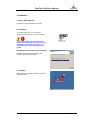
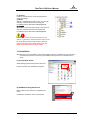
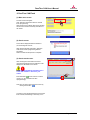
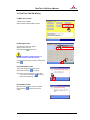
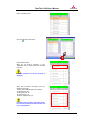
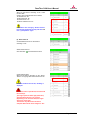
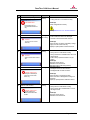
(8) Complete screen 1
When this screen appears, Reprogramming is
complete.
Confirm ECU information after reprogramming.
Press OK button
.
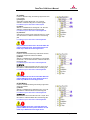
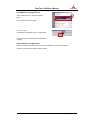
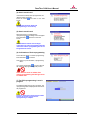
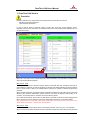
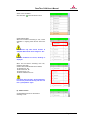
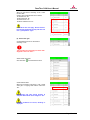
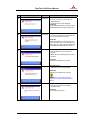
(9) Complete screen 2
Follow the screen instruction to complete the
reprogramming procedure.
Press OK button
screen.
and return to the main
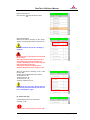
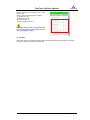
To complete flash reprogramming, turn OFF
IG-switch and then turn it ON.
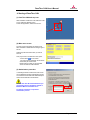
Go back to the main menu screen and execute
Erase DTCs function.
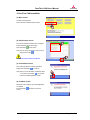
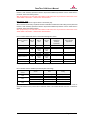
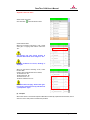
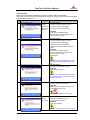
(10) Post process
After finishing reprogramming, it is recommended
that you will check whether the ECU stores DTC or
not with your own scan tool. If any DTCs exist,
please clear them.
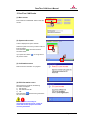
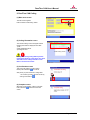
If you want to reprogram another ECU
successively, please exit and restart PassThru
CAN, otherwise an error message will appear.
Page 16 of 46