1
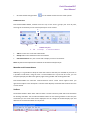
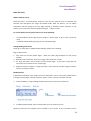
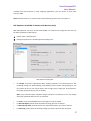
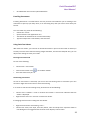
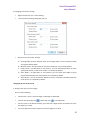
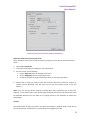
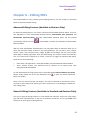
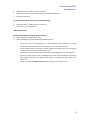
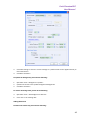
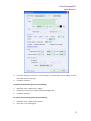
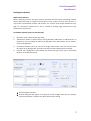
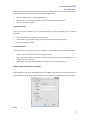
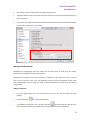
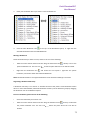
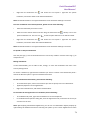
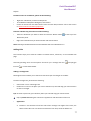
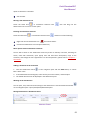
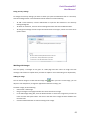
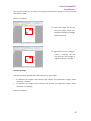
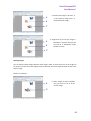
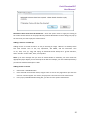
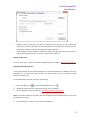
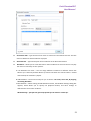
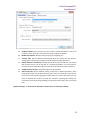
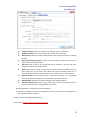
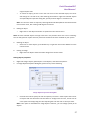
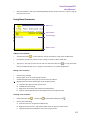
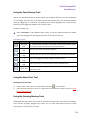
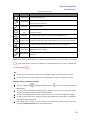
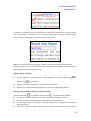
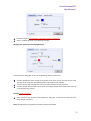
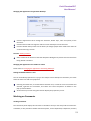
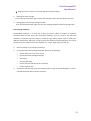
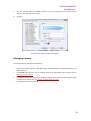
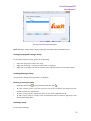
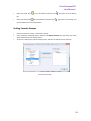
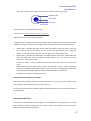
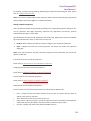
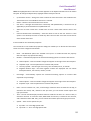
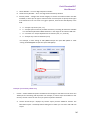
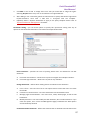
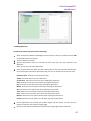
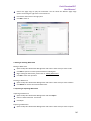
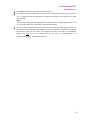
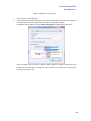
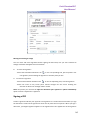
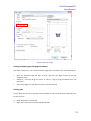
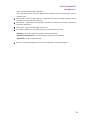
Foxit PhantomPDF User Manual Toolbar open by default A. Basic Tools B. Find Tools Note: Position the pointer over a tool to see a description of the tool. All tools are identified by name in the View > Tools > Toolbar Items menu. Showing /Hiding toolbars To show/hide all toolbars, please do one of the following: Choose View > Toolbars > Check/Uncheck Hide Toolbars. Right-click the toolbar area, Check/Uncheck Hide Toolbars, or press the hotkey F8 on your keyboard. To show or hide a toolbar, please do one of the following: Choose View > Toolbars > Check/Uncheck the [toolbar name]. A checkmark next to the toolbar name indicates that the toolbar is visible. Right-click the toolbar area, check /uncheck the [toolbar name] you want to show/hide. Choose Tools > Customize Toolbars > Toolbar Setting or right-click to choose Customize Tools, and then select and deselect the toolbars. In Tabbed Toolbar Mode, To collapse/expand the toolbar tab, please click or in the upper right corner or double-click the tab itself. If you want to use a tool from a collapsed toolbar, click the tab and select the desired tool”. The toolbar will automatically collapse when using the selected tool. Setting favorite toolbars Choose Tools > Customize Toolbars > Favorite Toolbar or right-click to choose Customize Tools. In the Favorite Toolbar tab, please do the following: Add - Select your preferred tools from the left “Command” pane, click Add and see them appear in the right “Favorite Toolbar” pane. <Separator> which will appear between two tools can be added if you like. Remove - Select the tools you accidently added to the right “Favorite Toolbar” pane, click Remove, and see them disappear from the right pane. Reset - Reset the Favorite Toolbar pane to the default settings. Click Up/Down button on the right side to adjust the position of your favorite toolbars, and click OK. To show/hide Favorite Toolbars, you can either right-click toolbars to check/uncheck Favorite Tools or go to View > Toolbars > check/uncheck Favorite Tools. Moving toolbars 18