1
Special characters and symbols
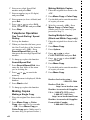
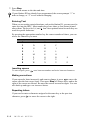
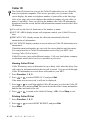
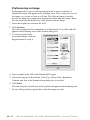
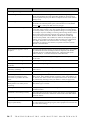
Press , # or 0 repeatedly to move the cursor under the special character or
symbol you want, then press
to select it.
Press
for
(space) ! “ # $ % & ’ ( ) * + , - . /
Press #
for
:;<=>?@[]^_
Press 0
for
ÉÀÈÊÎÇËÖ0
N OT I C E
The Telephone Consumer Protection Act of 1991 makes it unlawful
for any person to use a computer or electronic device to send any
message via a telephone fax machine unless such messages clearly
contain, in a margin at the top or bottom of each transmitted page,
or on the first page of the transmission, the date and time it is sent
and an identification of the business or other entity or other
individual sending the message and the telephone number of the
sending machines or such business, other entity or individual.
In order to program this information into your fax machine,
complete the steps described on page 5-1.
If you do not enter a fax number, no additional information can be entered.
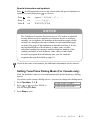
Setting Tone/Pulse Dialing Mode (For Canada only)
Your fax machine comes set to accommodate tone (multi-frequency) dialing
service.
If you have pulse (rotary) dialing service, you need to change the dialing mode.
1
2
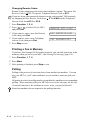
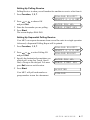
Press Function, 1, 1, 6.
3
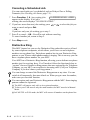
Press Stop to exit.
Press
or
to select TONE or
PULSE and press Set.
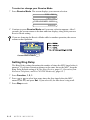
DIALING:TONE?
DIALING:PULSE?
INITIAL SETUP
5-3