1
5
5.2
Coordinating OSD
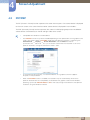
Display Time
Set the on-screen display (OSD) menu to automatically disappear if the menu is not used for a specified
period of time.
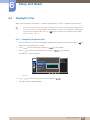
Display Time can be used to specify the time after which you want the OSD menu to disappear.
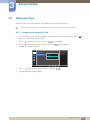
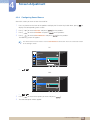
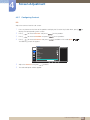
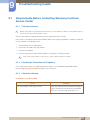
5.2.1 Configuring Display Time
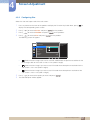
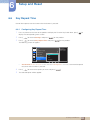
1
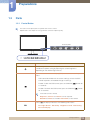
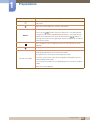
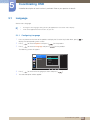
Press any button on the front of the product to display the Function Key Guide. Next, press [
] to
display the corresponding menu screen.
2
3
Press [
] to move to Options and press [
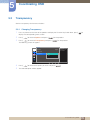
Press [
] to move to Display Time and press [
] on the product.
] on the product.
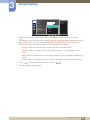
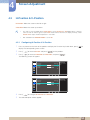
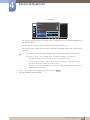
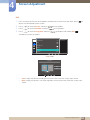
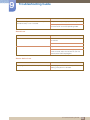
The following screen will appear.
Options
Language
Display Time
Transparency
5 sec
English
100
10 sec
2
20 sec
200 sec
Set how long the menu
window will remain on
screen for when it is
not in use.
20 sec
On
4
5
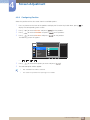
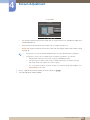
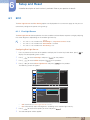
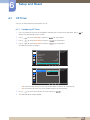
Press [
] to move to the option you want and press [
].
The selected option will be applied.
5 Coordinating OSD
69