1
All the next steps are the same as for an Online backup.
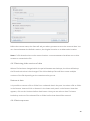
4.3.1 General
The ‘General’ tab gives you a summary of the backup task. You can change the name of the
backup task in this screen.
This is also the place where you can decide between an Online and an Offline backup.
Task Name
You can give the backup task a name.
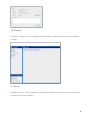
Backup type
Set the backup type to ‘Offline backup’ and click on ‘Browse’ to select the storage location.
Here you can also decide whether to create a Zip archive or not.
A zip archive is smaller to save, but you do have to unzip the files on the backup server when
this is an initial offline backup.
All the next steps are the same as for an Online backup.
18