1
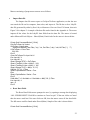
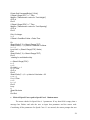
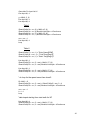
As soon as the macro receives the input in centipose, it converts it to Lbm/ft*sec and pastes it
in the gas viscosity input field. The syntax is shown below.
Private Sub CommandButton8_Click()
Dim myvalue
myvalue = InputBox("Enter a value for centipose(cp)" & Chr(10) & Chr(10) & "Gas Visocity =
cp*12.0*386.0*1.45E-7", "Gas Visocity Calculator")
If myvalue = "" Then
GoTo h
Else
Sheet1.Range("F63").Value = (myvalue * 12 * 386 * 0.000000145)
End If
h:
End Sub
•
Generate Data File macro
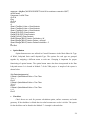
As the name implies, the macro extracts data from the Excel spreadsheets into a fixed
format text file. The following are the steps in which the macro saves the data.
1.
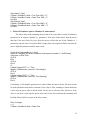
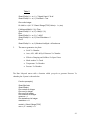
The macro begins by calling a function checkfields, to check for any missing data on
the main sheet. If any data is missing, a message-box displaying the missing
parameter pops-up, and the macro ends. The function uses a counter called trapy to
check for missing fields. If any data is missing then trapy will be less than 25, and if
trapy is less than 25 then the macro is forced to end. The function is located in
Module 7 and the Generate data file macro is located in Sheet1 (Main) in VBA
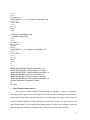
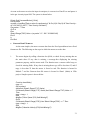
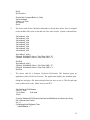
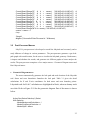
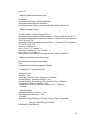
project. Sample syntax is shown below.
Function checkfields()
trapy = 0
Dim mycheck
IsNumeric (Sheet1.Range("F15").Value)
If IsNumeric(Sheet1.Range("F15").Value) And Sheet1.Range("F15").Value <> ""
Then
trapy = trapy + 1
Else
MsgBox ("Rotor Speed (F15) field Missing!!")
End If
If IsNumeric(Sheet1.Range("F59")) And Sheet1.Range("F59") <> "" Then
trapy = trapy + 1
Else
MsgBox ("Absolute Velocity (F59) field Missing!!")
31