1
TECDIS Installation Manual
Page 57
Chapter 4: Operational system settings
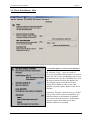
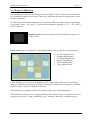
When pressing menu folder in the top menu bar, menu folders vil open in the lower part of
the side menu field. There are 6 different menu folders: data, logg, safety, setup, chart and
ship. Folders are separated in a archive system and one of the folders is displayed at time.
Select desired folder by pressing a tag in the archive hieraky.
4.1. Setup
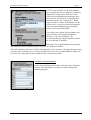
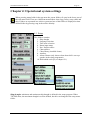
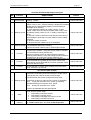
This folders contains.
1. Ship draught
2. Language selection
3. Time zone selection
4. Nmea input status
5. Nav. Position offset
6. Chart utilities
7. Chart library (installed charts)
8. Auxilary
9. Alarm volume (only shown when alarm bell is set to pc
speaker in the setup programme)
10. Hide/unhide tool tip.(see chapter 2.1)
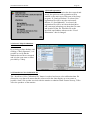
Ship draught: minimum and maximum ship draught is defined in the setup program. When
TECDIS starts, the maximum draught is used as default, but this can changed in the setup menu
folder.