1
Configuration Utility and Right Button Emulator
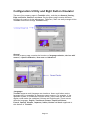
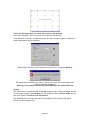
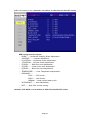
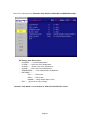
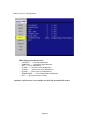
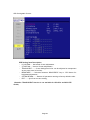
There are five property pages in TouchKit utility, and they are General, Setting,
Edge coefficient, Monitors and About. Each property page contains different
functions for users to do the adjustments. Therefore, users can easily manage all the
TouchKit controllers through TouchKit utility.
General
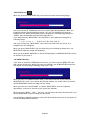
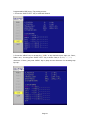
General property page contains the functions of language selection, devices add/
remove, 4 points calibration, Draw test and Advanced.
<Language>
TouchKit supports multi-language user interface. Users could select native
language that is compatible to operation system support. For example, if the
operation system is a traditional Chinese version, users could see the normal
display words under the traditional Chinese and English mode. There are ten
different languages, English, Traditional Chinese, Simplified Chinese,
French, Spanish, German, Japanese, Italian, Korean and Dutch supported in
this feature of TouchKit.
Page 19