1
Chapter 2. Writing and debugging scripts
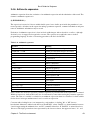
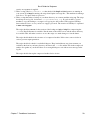
After going through this chapter, you will be able to:
♦ Write a simple script
♦ Define the shell type that should execute the script
♦ Put comments in a script
♦ Change permissions on a script
♦ Execute and debug a script
2.1. Creating and running a script
2.1.1. Writing and naming
A shell script is a sequence of commands for which you have a repeated use. This sequence is typically
executed by entering the name of the script on the command line. Alternatively, you can use scripts to
automate tasks using the cron facility. Another use for scripts is in the UNIX boot and shutdown procedure,
where operation of daemons and services are defined in init scripts.
To create a shell script, open a new empty file in your editor. Any text editor will do: vim, emacs, gedit,
dtpad et cetera are all valid. You might want to chose a more advanced editor like vim or emacs, however,
because these can be configured to recognize shell and Bash syntax and can be a great help in preventing
those errors that beginners frequently make, such as forgetting brackets and semi−colons.
Put UNIX commands in the new empty file, like you would enter them on the command line. As discussed in
the previous chapter (see Section 1.3), commands can be shell functions, shell built−ins, UNIX commands
and other scripts.
Give your script a sensible name that gives a hint about what the script does. Make sure that your script name
does not conflict with existing commands. In order to ensure that no confusion can rise, script names often
end in .sh; even so, there might be other scripts on your system with the same name as the one you chose.
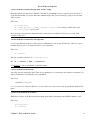
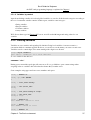
Check using which, whereis and other commands for finding information about programs and files:
which −a script_name
whereis script_name
locate script_name
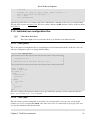
2.1.2. script1.sh
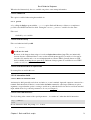
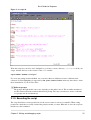
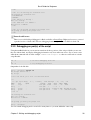
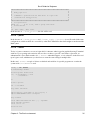
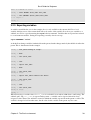
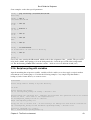
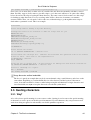
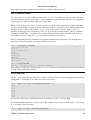
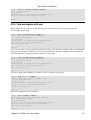
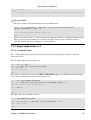
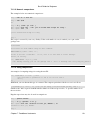
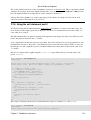
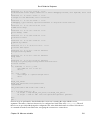
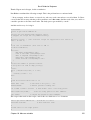
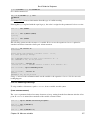
In this example we use the echo Bash built−in to inform the user about what is going to happen, before the
task that will create the output is executed. It is strongly advised to inform users about what a script is doing,
in order to prevent them from becoming nervous because the script is not doing anything. We will return to
the subject of notifying users in Chapter 8.
Chapter 2. Writing and debugging scripts
21