1
GUI Machine User's Manual
5.4. Recommendations and examples
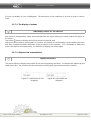
Avoid situations when the size of a layout cell is equal to the minimal size of the object inserted
into it. In the.
If you cannot diminish a layout on the edit area, check the zones whose size is indicated in
percentage of the free layout space. It is more than likely that one of these zones reached its
minimal size.
If one of the zones whose size is indicated in percentage of the free layout space has reached
its minimal size when adding a new cell to the layout, the size of the layout will be increased
by 10 pixels.
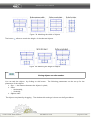
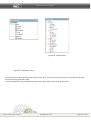
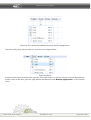
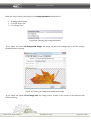
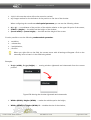
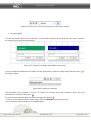
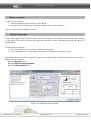
How to remove table headers
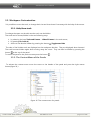
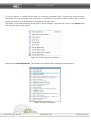
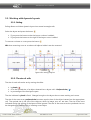
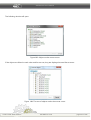
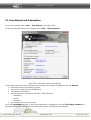
To remove the header of a table disable the property Scroll bars. Thus the borders of the table will also be
removed.
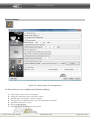
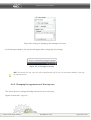
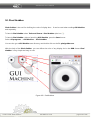
Figure 127. A table without header
Scroll bars
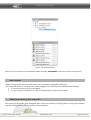
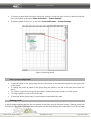
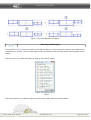
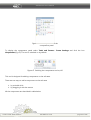
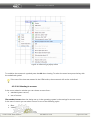
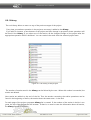
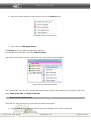
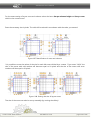
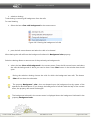
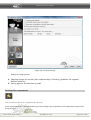
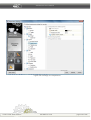
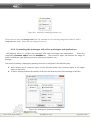
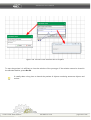
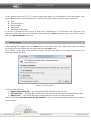
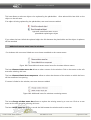
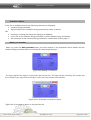
Be attentive when using scroll bars. On figure 128 you can see the layout with the disabled (on the left)
and enabled (on the right) Scroll bars property.
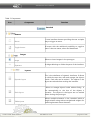
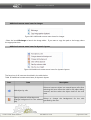
If this property is disabled, the layout looks as it is displayed on the edit area when previewed. In the
layout with scroll bars enabled the horizontal scroll bar lead to the increasement of the first column whose
size was indicates in percentage of the free layout space. Thus the images shifted to the right.
© 2007-2011 ALEE Software
GUI Machine 1.5.8
page 139 of 236