1
6
GV-ASManager Quick Start Guide
Note: The Controller ID is set ahead with GV-ASKeypad or Web interface. Refer to previous
chapters for setting Controller ID.
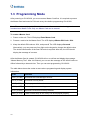
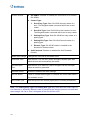
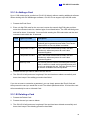
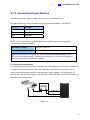
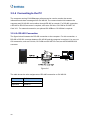
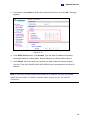
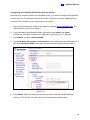
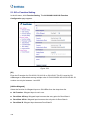
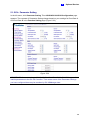
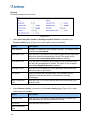
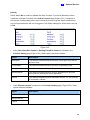
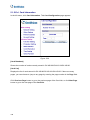
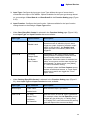
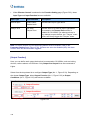
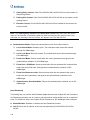
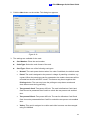
4. In Connection section, select the communication mode between the GV-AS Controller
and GV-ASManager.
•
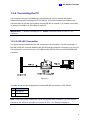
If using RS-485 connection, select COM Port that is used for connection.
•
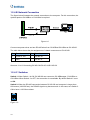
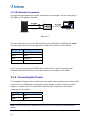
If using Ethernet, select Network and select TCP/IP or LocalDDNS. Type the IP
address, device name (if LocalDDNS is selected), port number, login user, login
password and Crypto key (3DES code) of the GV-AS Controller.
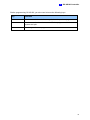
Note: The default values of GV-AS Controller are: IP address 192.168.0.100; username
admin; password admin; Crypto key (3DES code) 12345678.
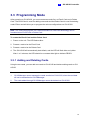
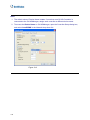
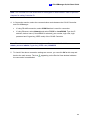
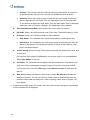
5. To check if the above connection settings are correct, you can click OK at this step and
back to the main screen. The icon
the connection is established.
appearing on the Device View window indicates
167