1
Personal Speed Dial
DESCRIPTION
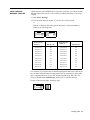
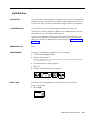
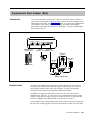
If you don’t have many available buttons on which to program Outside Auto
Dial, you can use the programming instructions below to assign a 3-character
Personal Speed Dial code (from #01 through #24 for BIS-10 models and from
#01 through #12 for BIS-22 models) to telephone numbers, PBX, Centrex,
or Custom Calling feature codes you frequently dial.
You can assign a Personal Speed Dial code to a sequence containing up to 16
numbers and special characters.
CONSIDERATIONS
Personal Speed Dial uses a dialing code. You do not place these codes on a
voice terminal button.
ADMINISTRATION
None
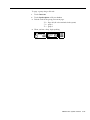
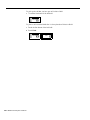
PROGRAMMING
This feature is not associated with a voice terminal button.
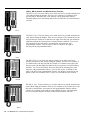
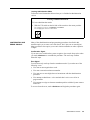
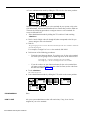
Programming a Pause, Stop, or Switchhook Flash
You may need to program a pause, stop, or switchhook flash into a Personal
Speed Dial sequence, or you may need to switch from rotary to Touch-Tone
signals in the middle of a programmed dialing sequence. To do so, you must
enter one or more of the following special characters when you program the
sequence. (For more information about using special characters in a dialing
sequence, see “Special Characters in Dialing Sequences.”)
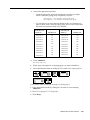
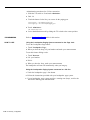
●
To program a pause, touch Hold.
●
To program a stop, touch Drop.
●
●
To program a switchhook flash at the beginning of a number, touch Recall
and then touch Hold.
To program Touch-Tone Enable into a dialing sequence, touch Transfer.
MERLIN Plus System Features
5-109