1
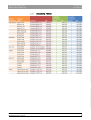
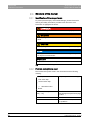
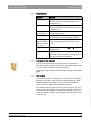
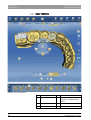
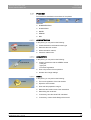
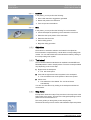
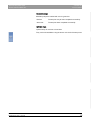
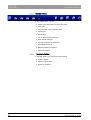
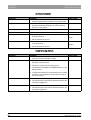
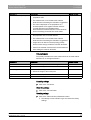
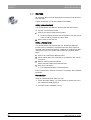
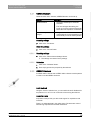
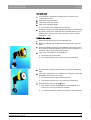
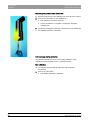
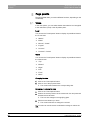
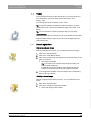
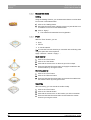
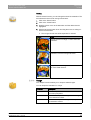
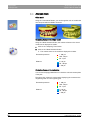
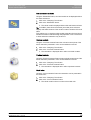
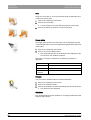
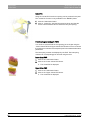
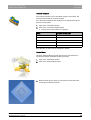
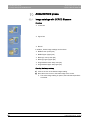
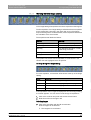
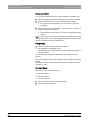
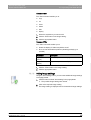
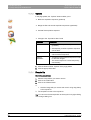
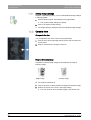
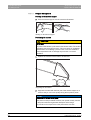
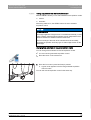
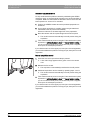
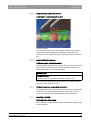
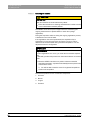
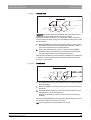
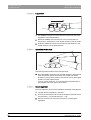
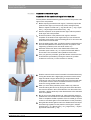
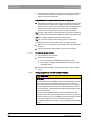
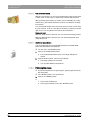
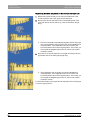
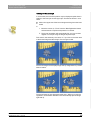
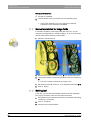
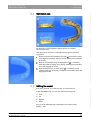
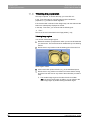
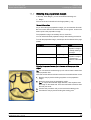
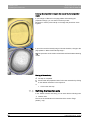
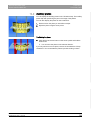
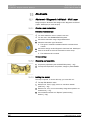
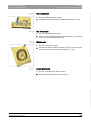
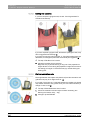
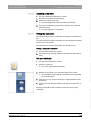
8 Page palette Sirona Dental Systems GmbH 8.4 Analysis tools Operator's Manual CEREC SW 8.4 Analysis tools Color model Color model Using the "Color Model" button, you can change the color of models that were acquired with the CEREC Omnicam. Contact surfaces on the virtual model Contact surfaces on the model Using the "Model Contacts" button, the contact surfaces on the virtual model can be displayed or hidden. 1. Click on the "Analyzing Tools" button. 2. Click on the "Model Contacts" button. The contact areas on the model are displayed or hidden. Penetration/pressure: > 100 µm 100 - 50 µm 50 - 0 µm Distance: 0 - 50 µm 50 - 100 µm > 100 µm Contact surfaces on the restoration Contact surfaces on the restoration You can use the page palette button to check the occlusal contact points of the jaws. The same color scheme is used as when displaying the contacts to the neighboring teeth or to the opposing jaw. Penetration/pressure: > 100 µm 100 - 50 µm 50 - 0 µm Distance: 0 - 50 µm 50 - 100 µm > 100 µm Side and bottom surfaces 58 63 61 120 D3534 D3534.208.01.05.02 05.2014