1
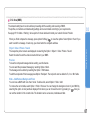
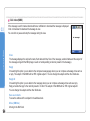
1. Media center
03
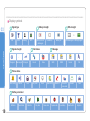
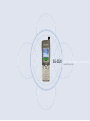
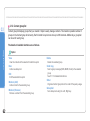
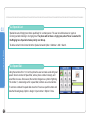
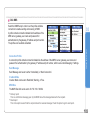
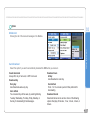
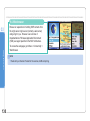
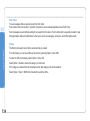
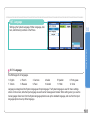
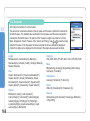
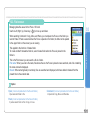
SG-2520 supports various types of files.
Image, video, sound, MP3, and text files can be easily and quickly sorted out and managed separately.
Especially, Image, Video, Sound, and Mp3 that are frequently used are readily accessible through the Media center.
Files registered in Image, Video, Sound, Mp3 boxes are organized from the most recent file, making viewing and managing
files easier and more convenient.
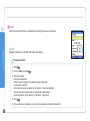
Using the menu
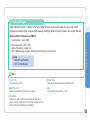
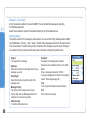
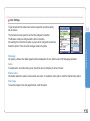
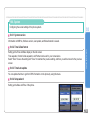
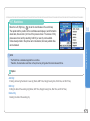
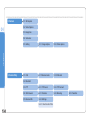
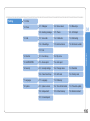
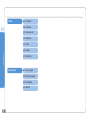
Media center supports the following functions.
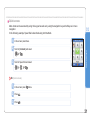
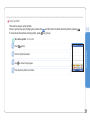
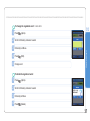
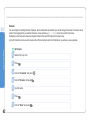
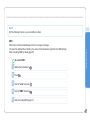
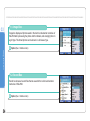
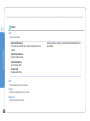
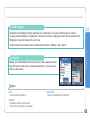
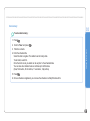
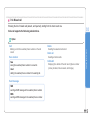
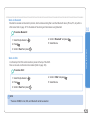
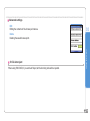
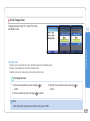
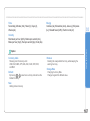
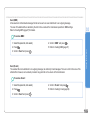
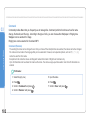
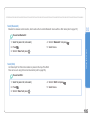
Multi-select
You can select several files with Center key (
).
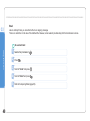
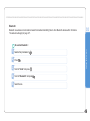
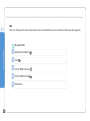
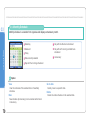
When several files are selected, the following functions are available.
● Move
● Copy
● Send - MMS, Email, Bluetooth, IrDA
● Delete
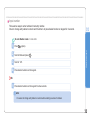
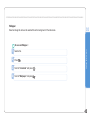
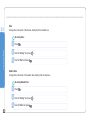
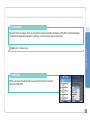
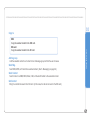
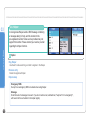
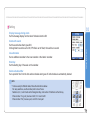
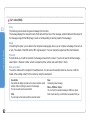
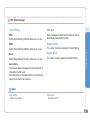
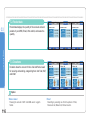
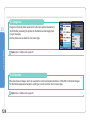
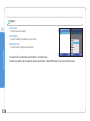
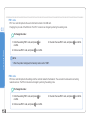
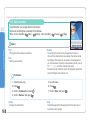
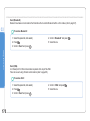
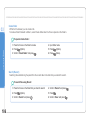
View, Play
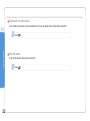
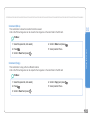
The View function is applicable to the Image box to view photographs.
Use Left or Right key (
) to view next or previous photos.
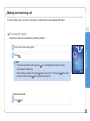
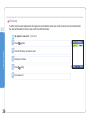
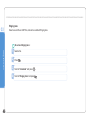
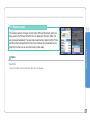
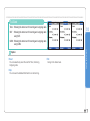
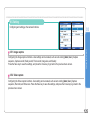
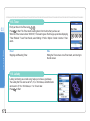
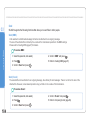
The Play function in Sound box, Video box, and MP3 box plays back the selected file.
The playback of multi-selected files is also possible. Use Left or Right key (
) to play back next or previous files.
When only one file is selected, press Left or Right key (
) to play back the file repeatedly.
40