1
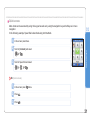
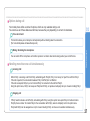
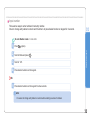
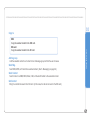
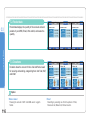
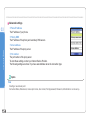
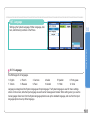
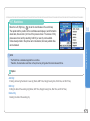
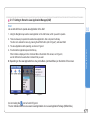
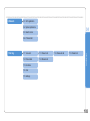
The settings options are as follows.
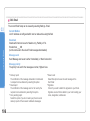
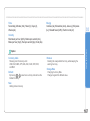
Session: While the Java Application is operating, you are asked to give consent for the use of authority once at the outset.
The consent is effective until the Application ends. After the Application ends, if you intend to operate the Application again,
you will be initially asked for consent for the use of authority once. The consent will be effective until the Application ends.
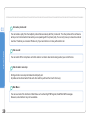
One Shot: You will be asked to give consent for the use of authority, every time consent is needed.
For example, whenever the Java Application needs a network connection, you will be asked for consent for the connection.
Blanket: For certain authority, the authority given is effective until the Application is deleted.
No: No authority is given.
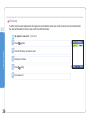
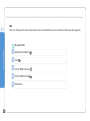
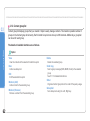
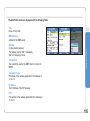
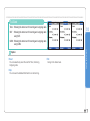
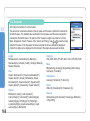
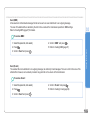
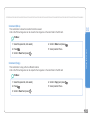
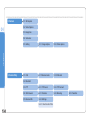
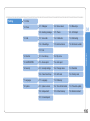
1. The following authority is given to the trusted Java Applications.
NetAccess (Network Access)
Messaging
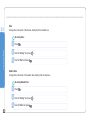
Session (Default), One Shot, Blanket, No
One Shot (Default), No
Local Connectivity
Recording
Session, Blanket, No
One Shot (Default), Session, Blanket, No
App Auto Run
Session (Default), One Shot, Blanket, No
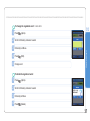
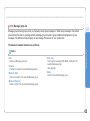
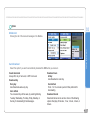
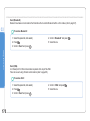
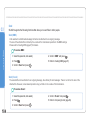
2. The following authority is given to the untrusted Java Applications.
Net Access
Messaging
One Shot (Default), Session, No
One Shot (Default), No
Local Connectivity
Recording
Session (Default), One Shot, No
One Shot (Default), No
App Auto Run
Session (Default), One Shot, No
03
Using the menu
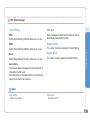
Security
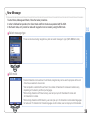
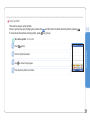
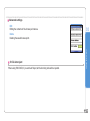
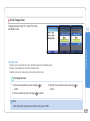
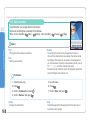
Setting the security of the Java Application that you have selected.
179